 Figma
Figma  Google Ads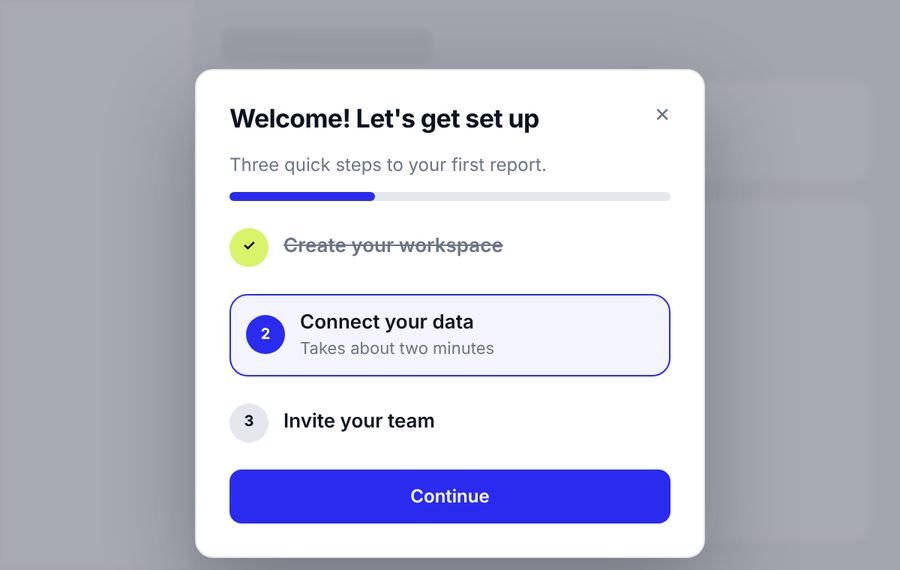
Onboarding and activation
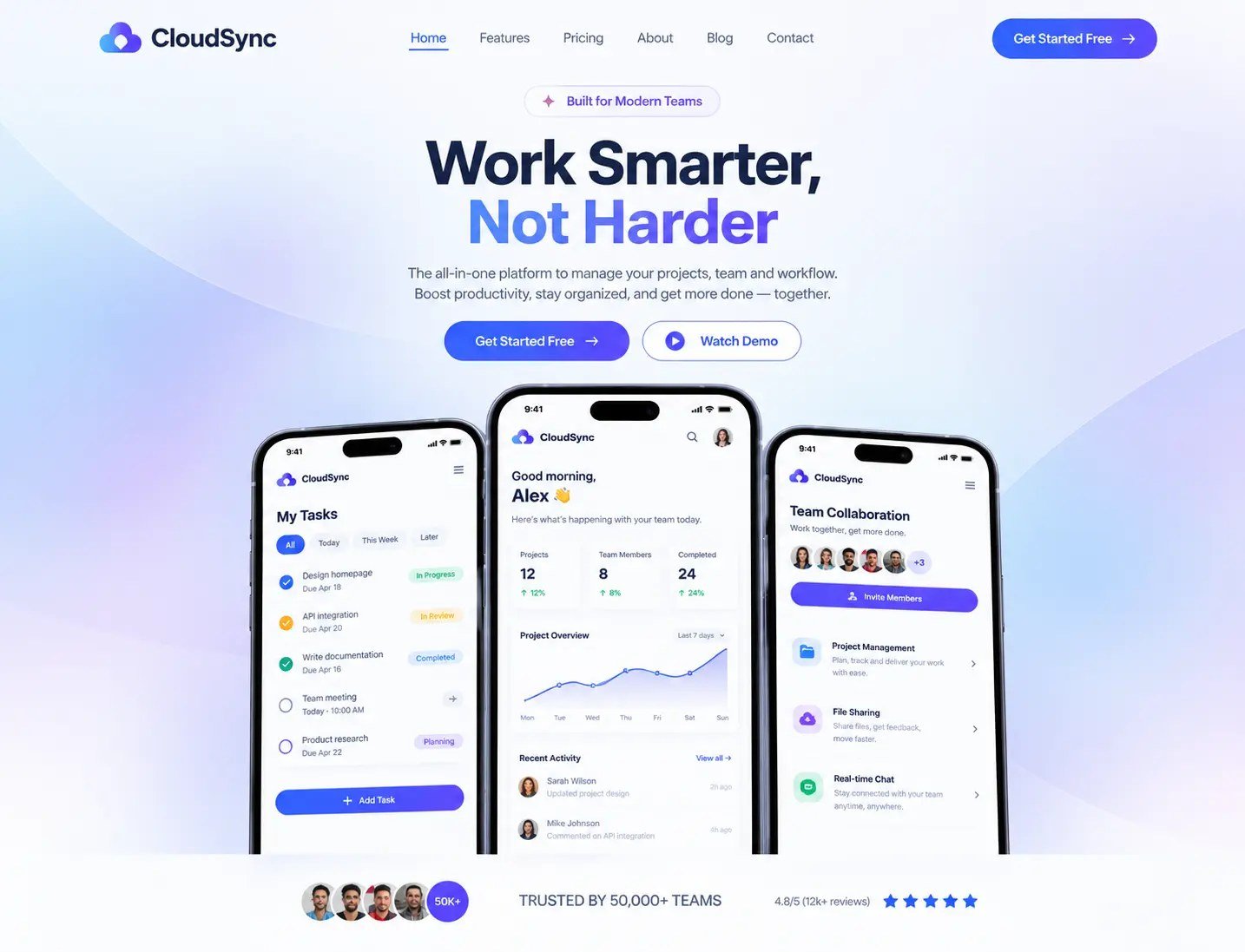
Welcome steps, checklists and first-run screens that help new users reach value quickly.
 Ahrefs
Semrush
Ahrefs
Semrush
 Search Console
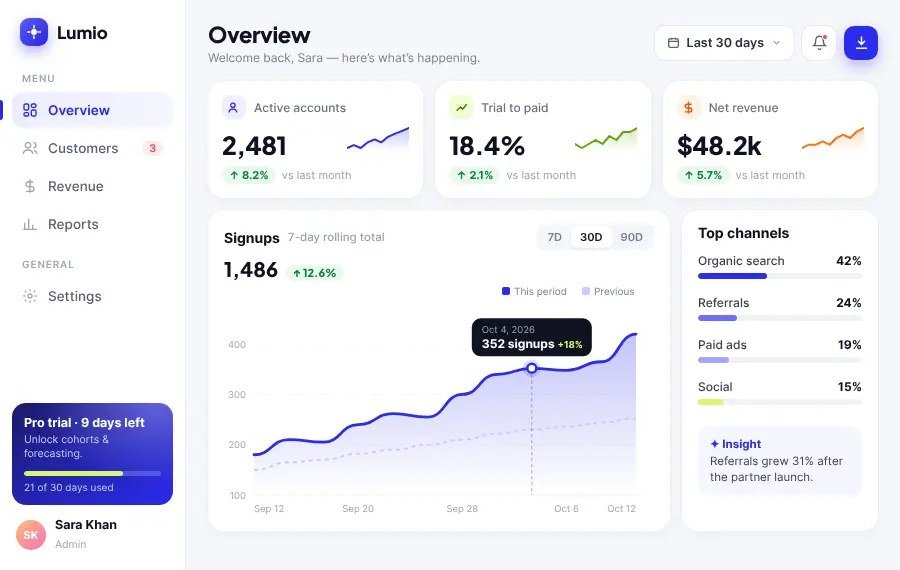
We design the screens, flows and interactions of your SaaS product, from onboarding to billing. New users reach their first result faster, and your developers know exactly what to build.

What we design for SaaS products
What it covers
UX design decides how your product works: what users see first, how they move and where they get stuck. UI design decides how it looks and feels. Most SaaS products need both, because a good-looking screen on a confusing flow still loses users.
When to get help
These are the problems SaaS teams usually describe before they contact a design agency.
We look at where first-time users get stuck and redesign onboarding around the first useful result.
We reorganise navigation and screens so the main features are easy to find and understand.
We design with consistent layouts and components, so new screens look and work like the rest.
We design every state and hand over clear notes, so nobody has to guess.
What's included
The exact list depends on your project. We agree it with you in a written proposal before any work starts.
Maps of how people move through the product, so everyone agrees on the journey before screens are drawn.
Simple layouts that settle structure and content first, so changes are cheap.
Finished screens in your brand, with reusable components you and your developers can keep using.
A version you can click through and show to users or your team before development starts.
Empty, loading, error and success states, so nothing is left to chance in the build.
Organised files and notes on how screens should behave, so your developers can build with confidence.
Where we focus
We spend our time on the parts of the product that decide whether people sign up, stay and upgrade.
Welcome steps, checklists and first-run screens that help new users reach value quickly.
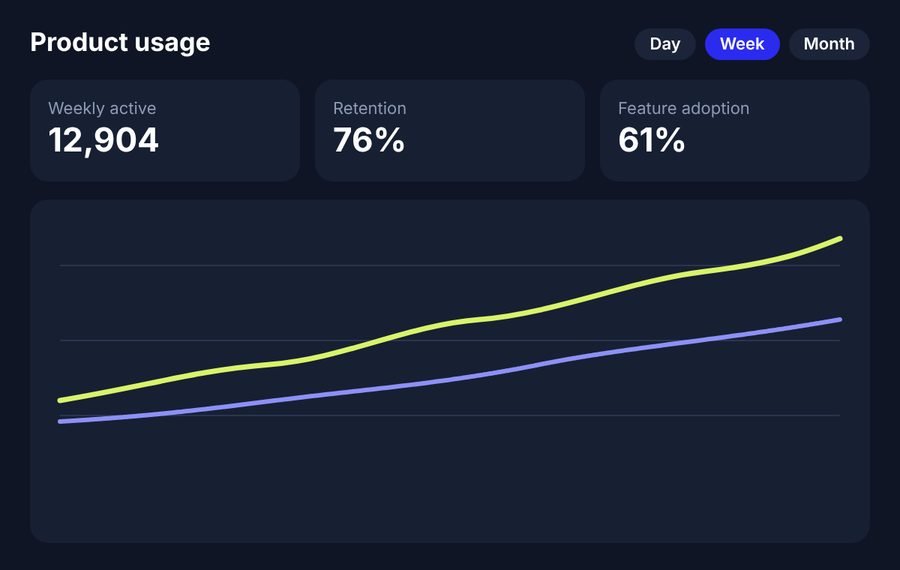
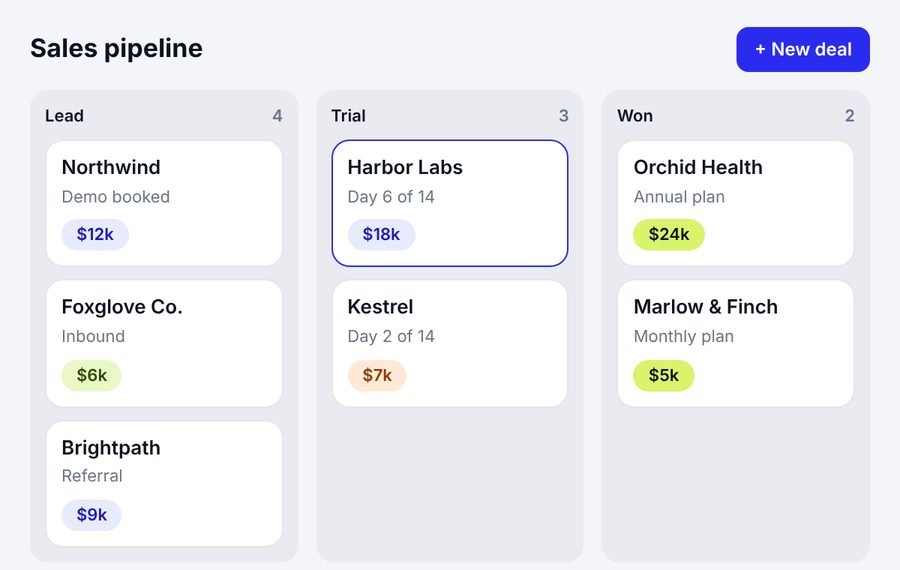
Charts, key numbers and filters laid out so people can read them at a glance.
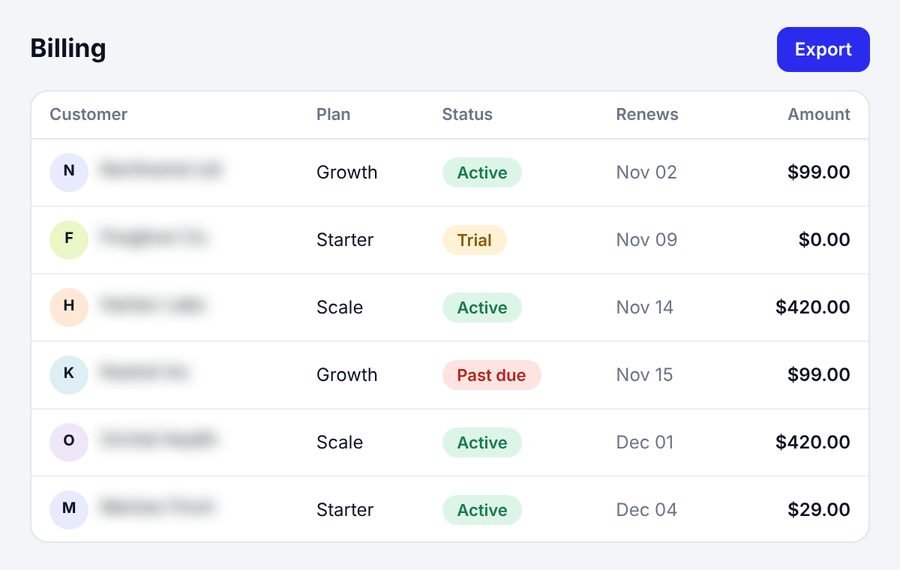
Tables, roles and plan screens that stay clear as your product grows.
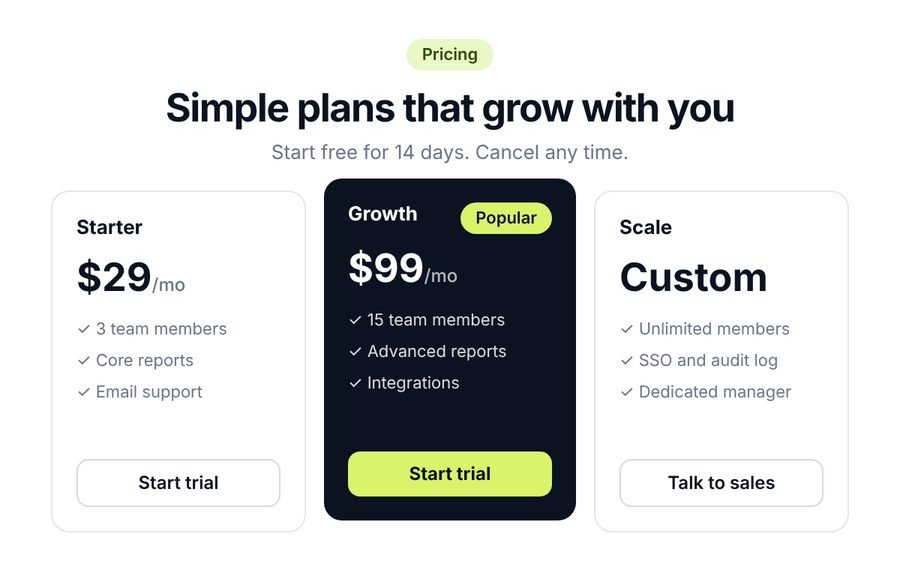
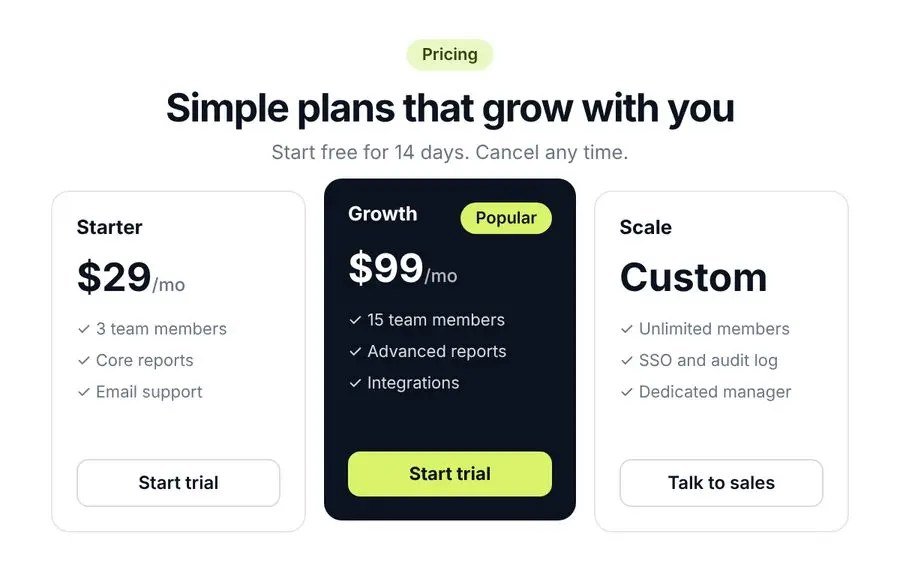
Plan pages and upgrade prompts that make the next step obvious.
Industries
We work only with SaaS, across many kinds of software. Wherever your product sits, the screens people depend on follow the same rules: clear, fast and easy to learn.
Why us
Many agencies design for every kind of business. We design for SaaS only, and we stay connected to what happens after the design is done.
We know trials, onboarding, churn, pricing and how software gets bought, so we do not learn it on your budget.
Your screens are designed with the build in mind, and your website is planned for search from day one instead of fixed later.
You talk to one person, not separate vendors for design, development and growth.
You review and approve the screens before development begins, so nothing surprising reaches your developers.
You get a written scope, timeline and price before any work starts.
The designs and files we create belong to you once the work is paid for.
Swipe sideways to compare →
| SaaS Assistant | Generalist agency | Freelancers | |
|---|---|---|---|
| Works only with SaaS | ✓ Yes | Usually not | Varies |
| Design, development, SEO and PPC together | ✓ One team | Varies | One skill each |
| Single point of contact | ✓ One project lead | Varies | You coordinate |
| Written scope and price before work starts | ✓ Always | Varies | Varies |
| You own the designs | ✓ Yes, once paid | Check the contract | Check the contract |
Process
Five steps, each with something you can review. You see the work before it moves on.
You tell us your goal, your product and where you are stuck. We tell you honestly whether we are a good fit.
Produces
An honest view on fit
You get a written scope, timeline and price. Nothing starts until you agree.
Produces
Written scope, timeline, price
We look at how people use the product and map the journeys we will design.
Produces
User flows and wireframes
We design the screens and share a prototype. You review and approve them before development begins.
Produces
Approved screens in Figma
We organise the files and notes your developers need. If you want us to build it, we can.
Produces
Developer-ready files
Our work
Client names are withheld. We’re happy to share more detail on a call.
 Case 01
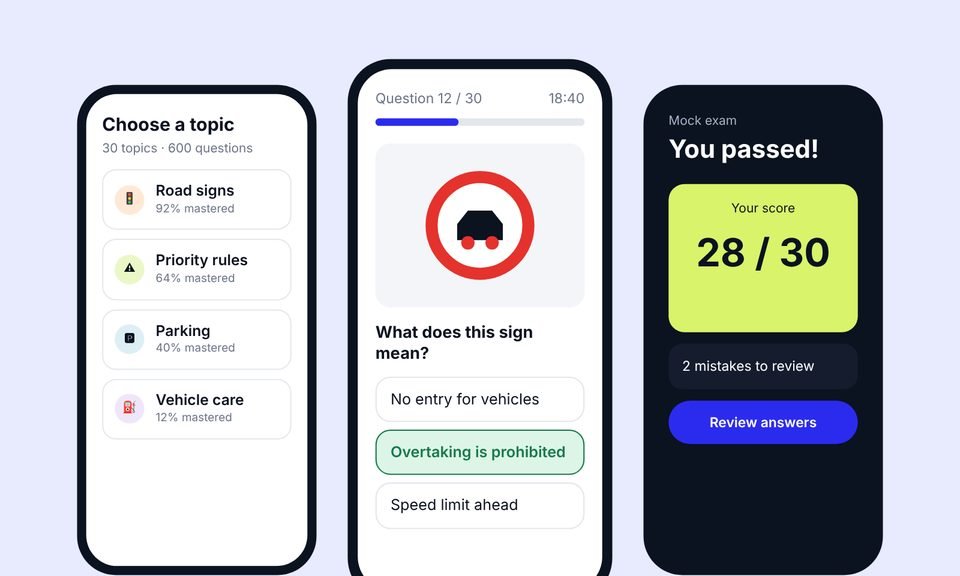
We designed the product, built the app and the website, then grew it with advanced SEO (including AEO and GEO) and Google Ads.
+38%
quiz completion
1.8s
average page load
~20,000
organic visits a month, from a new domain
 Case 02
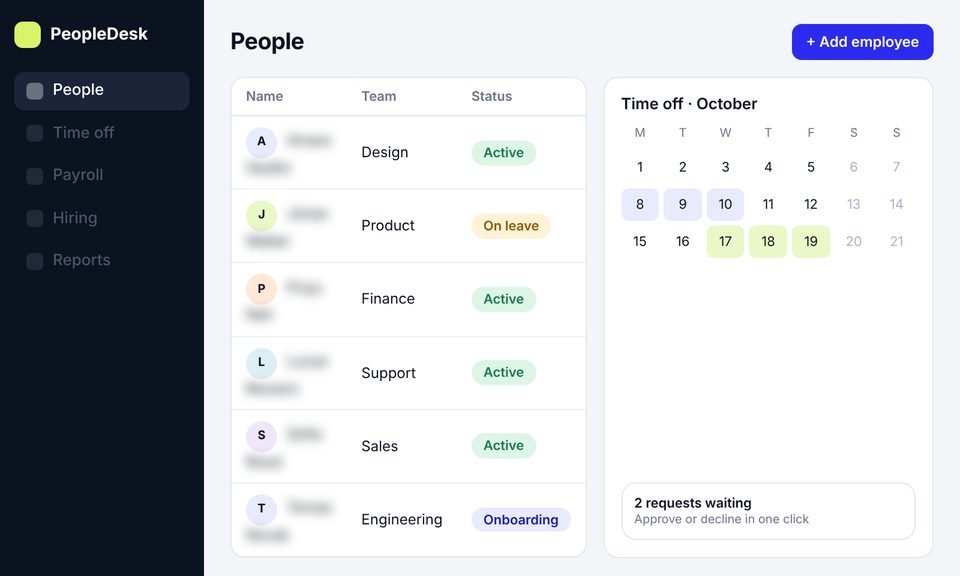
We took an HR platform from idea to launch: product design, development and a new website, then SEO to bring in users.
+45%
trial signups
−40%
HR admin time
~11,000
organic visits a month, from search
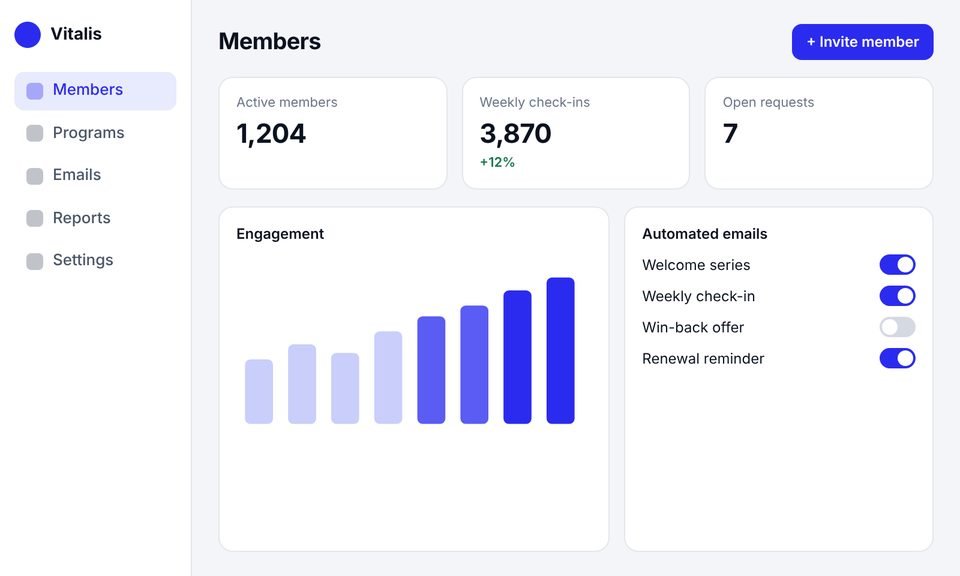 Case 03
This client had outgrown their website builder. We rebuilt it as a SaaS platform with an admin dashboard, automated emails and a new website.
+40%
member engagement
−30%
admin work
50%
faster page loads
Testimonials
Client names are withheld. Each quote comes from a real client and is shown with their company type only.
[Paste the client's own words here. A short, specific story about what changed after launch.]
[Paste the client's own words here. One or two plain sentences.]
[Paste the client's own words here. One or two plain sentences.]
[Paste the client's own words here. One or two plain sentences.]
Services
This page covers UI/UX design. If you need something different, or a smaller first step, one of these may fit better. You can also combine them.
A marketing website and landing pages that explain what your product does and lead visitors to a trial or demo, planned with search in mind.
A structured update of a live product, planned so current users can keep working while the experience gets clearer.
A focused first version: the essential flows only, designed so developers can build it without guesswork.
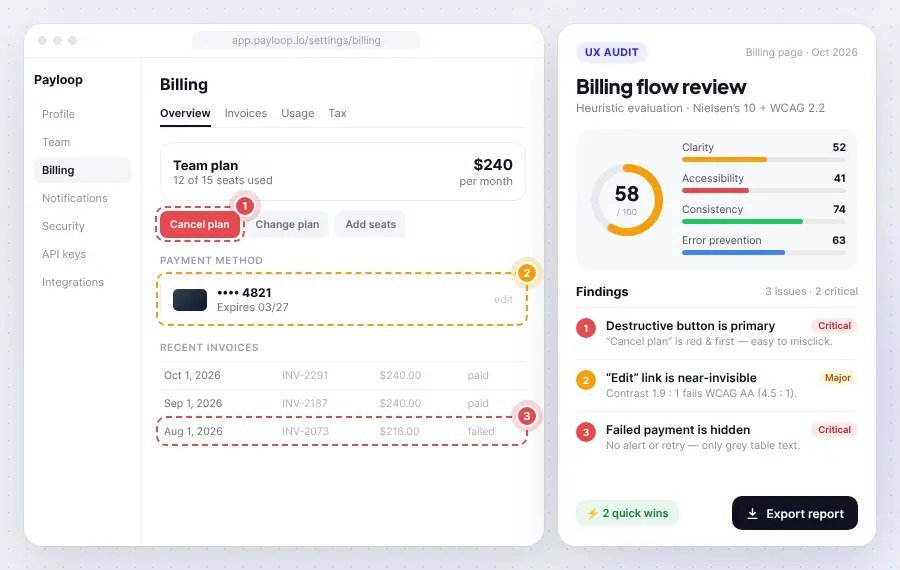
A review of your current product to find where users struggle, with recommendations on what to fix first.
Expert advice on a specific design decision, for teams that need guidance rather than a full project.
They are design services for software sold as a subscription. The work covers how the product is structured and used (UX) and how it looks and feels (UI), including onboarding, dashboards, settings, billing and the other screens SaaS users depend on.
UX design is about how the product works: the flows, structure and steps a user goes through. UI design is about how the screens look: layout, colour, type and components. Most SaaS products need both, and we do them together.
Yes, that is something we plan for. We start by looking at how people use the product today and agree with you which parts to change first, so you are not changing things without a reason.
It depends on how many screens are involved, how complex the product is and how much research it needs. Before any work starts, you get a written scope, timeline and price.
A short intro call is enough. It helps if you can share your current product or designs, any analytics you have and any feedback from users. If you have none of these, we can still begin.
No. You can use only design and hand the files to your own developers, or you can add our development and SEO services. Design works on its own.
You do. Once the work is paid for, the designs and files belong to you.
Yes. A SaaS UX audit or a design consultation is a good first step if you are not sure what needs to change.
Book a free call and tell us about your product. We’ll ask a few questions, explain what we would look at first, and give you an honest view on whether UI/UX design is what you need. If it isn’t, we’ll say so.
Prefer email? Write to hello@saasassistant.com