 Figma
Figma  Google Ads
 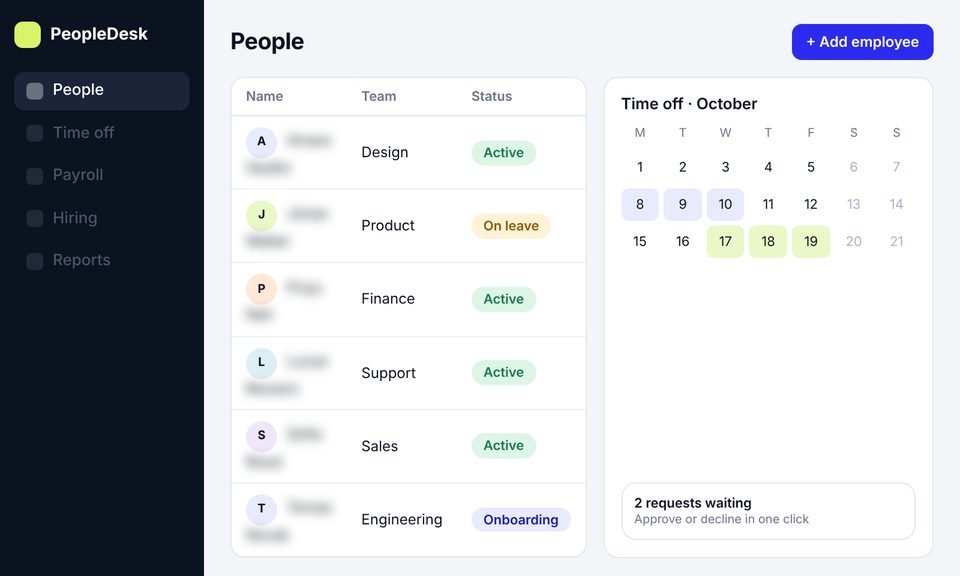 Idea to launch
DesignDevelopmentSEO
HR management software
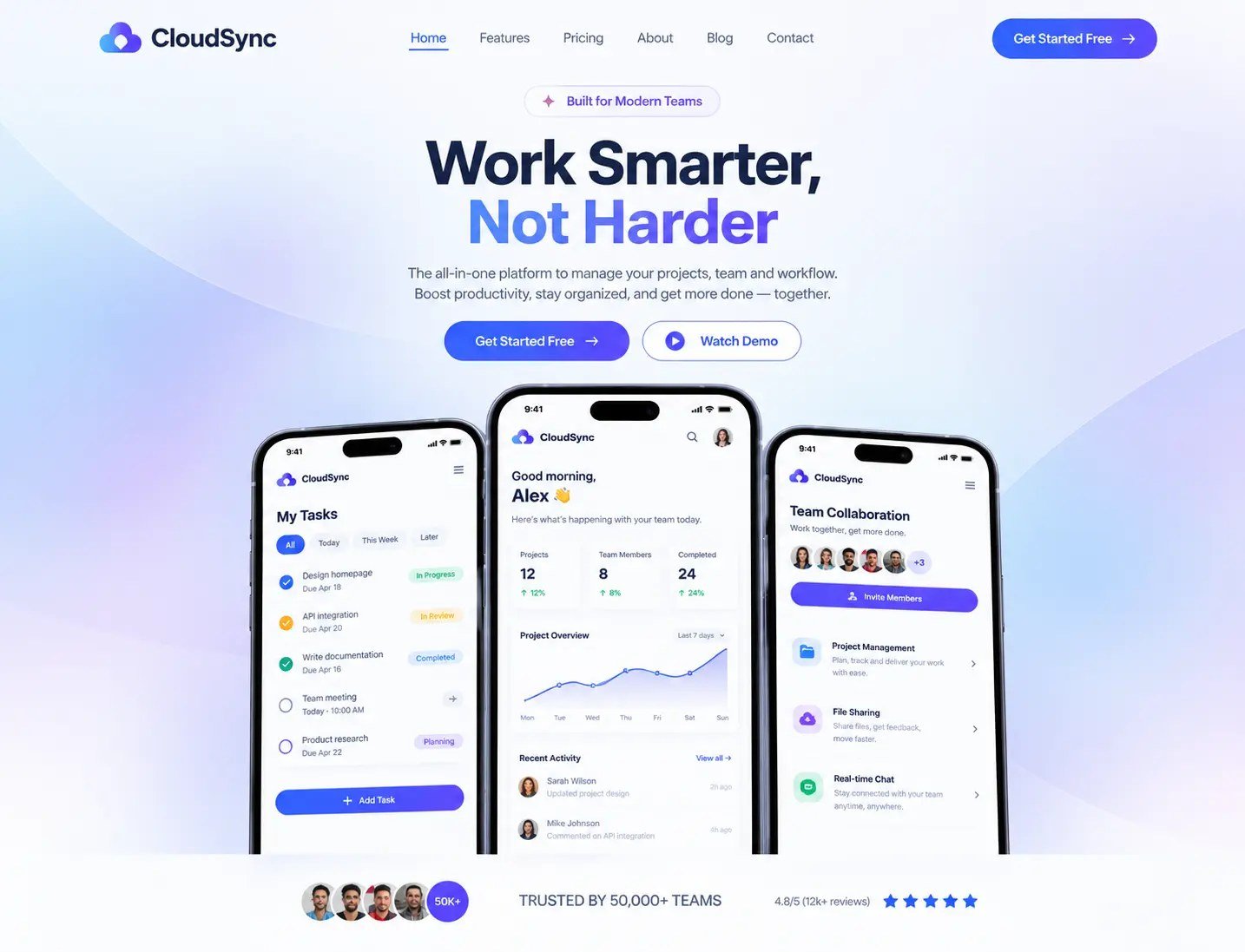
We took an HR platform from idea to launch: product design, development and a new website, then SEO to bring in users.
+45%trial signups
−40%HR admin time
~11,000organic visits a month
 Ahrefs
Semrush
Ahrefs
Semrush
 Search Console
We help you turn a SaaS idea into a clear first version: the problem it solves, the journey your first users take, and the screens your developers need. You get a clickable prototype you can test and show, and design files ready to build.

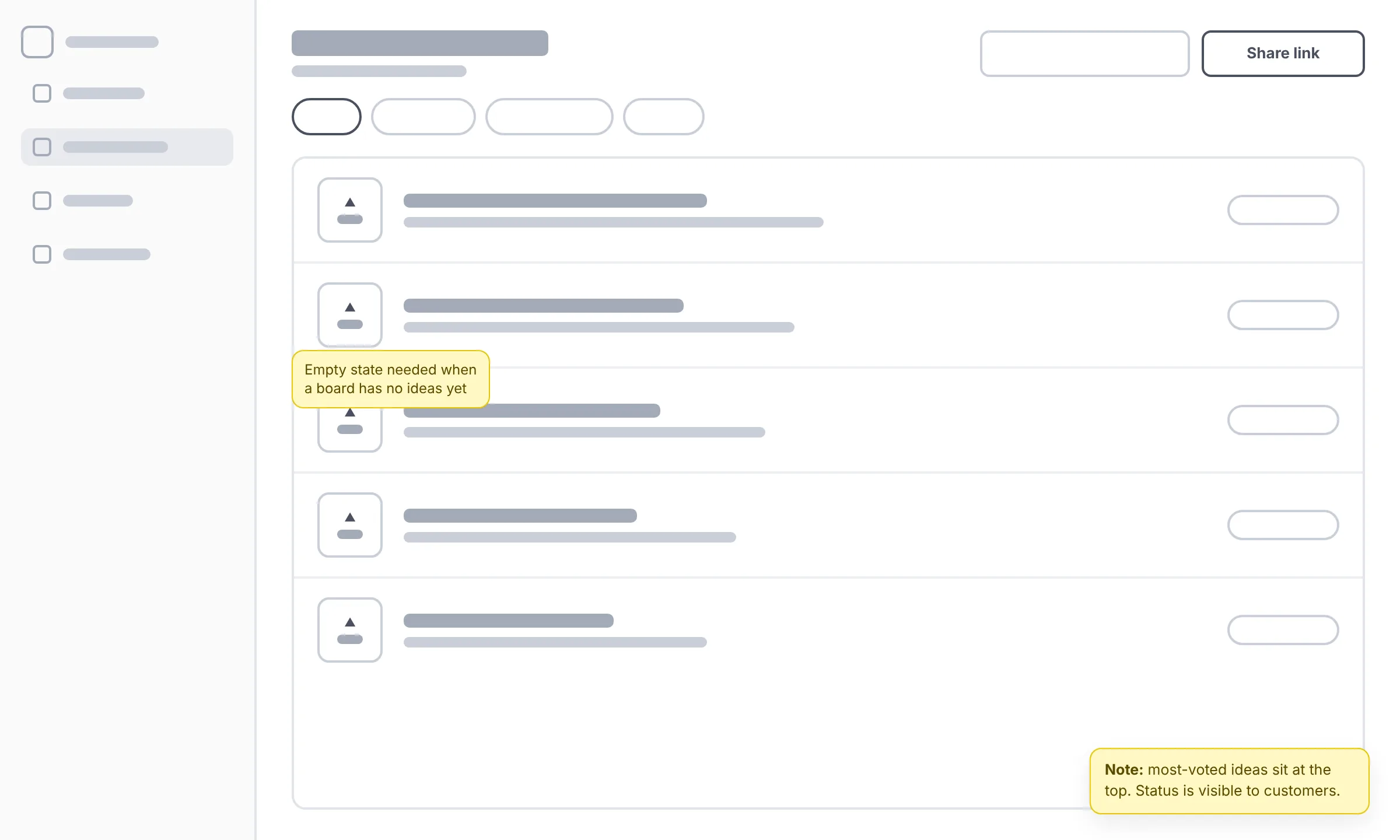
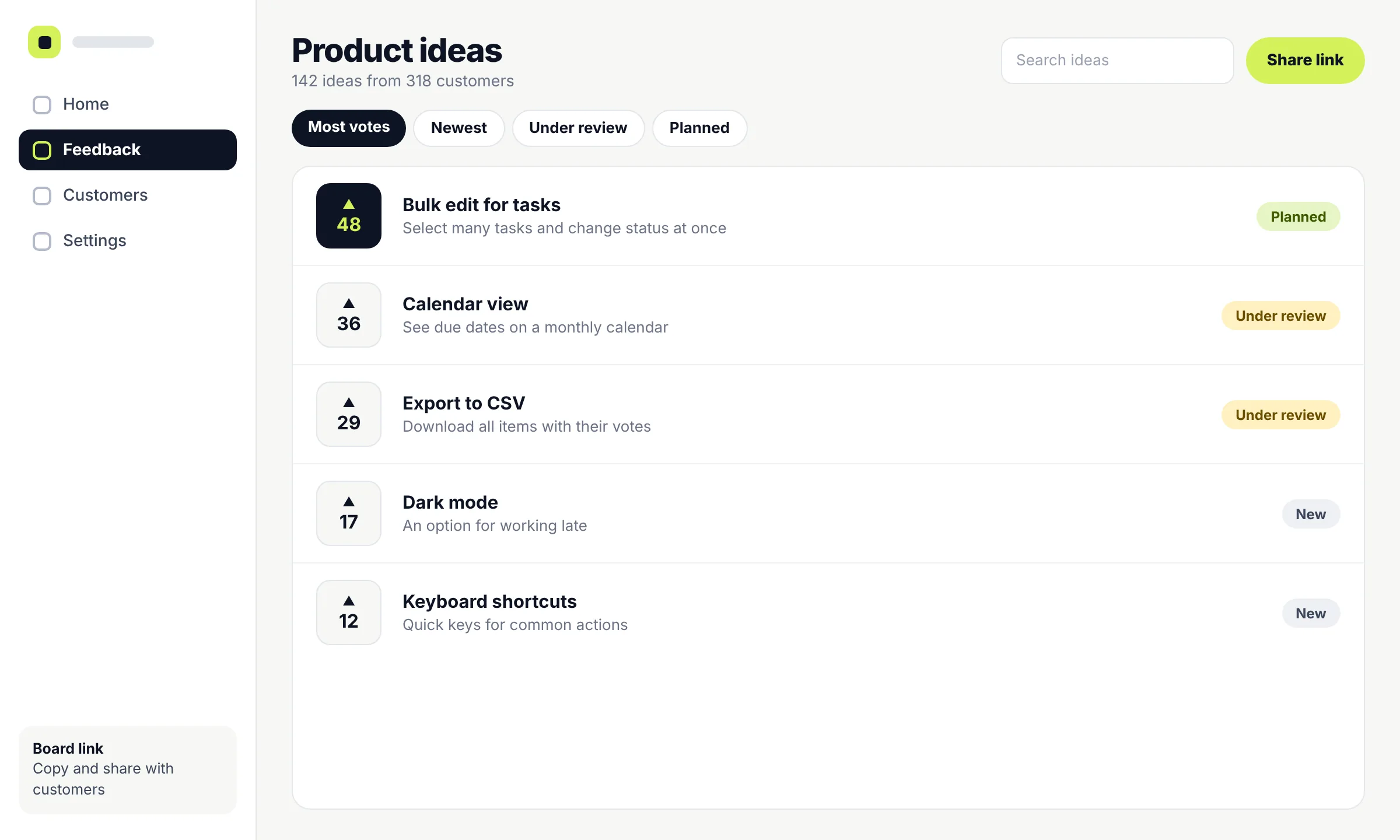
What an MVP design project produces
Where you are now
Some founders arrive with a sentence, others with a 40-page spec. Pick the one that sounds most like you to see where we would start.
“I have an idea and some notes”
You know the problem and who has it, but nothing is written down as screens yet.
A short working session to agree the first user, the main job they need done and the features that support it.
A one-page product brief, a feature list split into “version one” and “later”, and the core journey.
“I have a spec or a long feature list”
You’ve thought about the product a lot. The list is long, and everything feels important.
Sorting the list into what the first version needs and what can wait, then mapping the journey through the features that stay.
A shorter, agreed scope, user flows and a screen list for the first release.
“I have a prototype or no-code version”
Something exists, and maybe a few people use it. It works, but it’s hard to use or hard to build on properly.
A review of what you have and what users struggle with, then a cleaner journey and proper screens.
Redesigned flows and screens, a component kit, and files your developers can build from.
“My developers are ready to build”
You have a team or an agency lined up, and they need designs to work from.
Getting the design to a buildable state quickly, with every screen and state your developers will ask about.
Final UI for the first release, a clickable prototype and a full developer handoff.
Deciding what to build first
The hardest part of an MVP isn’t the design. It’s choosing what to leave out. We work through four questions with you, and every feature has to earn its place against the answers.
Not “small businesses”, but the person who will log in on day one and what their week looks like.
The one outcome that would make them come back. Everything in version one should lead to it.
The spreadsheet, email thread or workaround you’re replacing. Your first version only has to beat that.
The assumption that matters most right now, such as whether teams will invite colleagues. The design should make it easy to see.
An MVP isn’t a worse version of your product. It’s the smallest version that’s genuinely useful, designed properly.
Prototype, design or build?
These three get mixed up a lot, and they cost very different amounts. MVP design covers the first two. Here’s what each one gives you.
| Question | Clickable prototype | Designed MVP | Built MVP |
|---|---|---|---|
| What it is | Linked screens that look and click like the product, with no working code behind them | Every screen and state of your first release, designed and documented for developers | Working software that real users can sign up for and use |
| What you can do with it | Test the journey with users, walk investors and partners through the idea | Hand it to developers to build without guessing | Launch, learn from real usage and start charging |
| What it can’t do | Store data, send emails or prove people will pay | Run on its own until it’s built | Tell you what to build next without feedback |
| Who makes it | Our design team | Our design team | Your developers, or our SaaS MVP development team |
What you receive
Work is grouped into three stages. Each one ends with something you can review and approve before the next one starts.
Agree what the product is for
Check the structure before the detail
Get it ready to build
How it works
Nothing moves on without your sign-off. These are the points where you decide.
You tell us about the idea, who it’s for and where you are. We tell you honestly whether MVP design is the right next step.
You get a written scope, timeline and price based on the number of screens and how much you already have.
You approve the scopeA working session, often half a day, to agree the first user, the core journey and what goes into version one.
You approve the feature listWe map the journey and lay out every screen in simple grey. Your developers can join this review.
You approve the structureWe link the screens into a clickable prototype and test the core journey with a few people from your audience.
You decide what to changeWe finish the UI and components, then hand everything to your developers with a walkthrough. If you want us to build it, we can.
You approve the final screensBefore handoff
A design that looks finished can still leave developers guessing. This is the checklist every MVP design goes through before we hand it over.
Our work
Both products below started without an existing product. We designed the first version, then built and launched it with the client. Client names are withheld.
Idea to launchWe took an HR platform from idea to launch: product design, development and a new website, then SEO to bring in users.
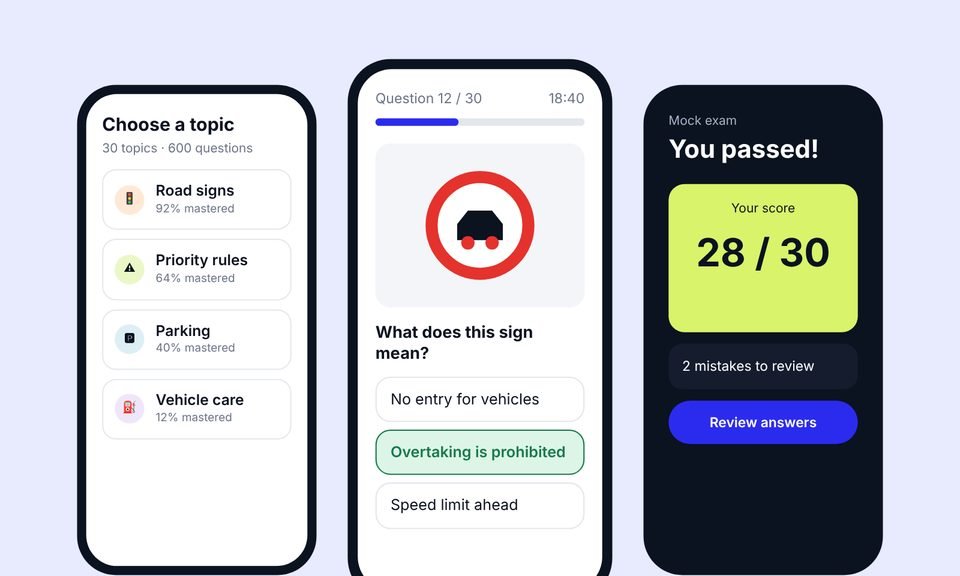 New product
We designed the product, built the app and the website, then grew it with SEO and Google Ads.
Testimonials
Client names are withheld. Each quote comes from a real client and is shown with their company type only.
[Paste the client's own words here. A short, specific story about what changed after launch.]
[Paste the client's own words here. One or two plain sentences.]
[Paste the client's own words here. One or two plain sentences.]
[Paste the client's own words here. One or two plain sentences.]
Cost and timing
We don’t list fixed prices, because one MVP can have six screens and another sixty. These are the things that change the size of the project. You get a written scope, timeline and price before any work starts.
An admin and a customer are two journeys, each with its own screens.
The biggest single factor. The screen list from the Define stage makes it visible.
A clear brief or an existing prototype shortens the early stages.
Testing the prototype with people from your audience adds time, and usually saves more later.
If you don’t have a logo, colours or type yet, we need a simple visual starting point.
Web only, or web plus phone-sized layouts for some screens.
An hour or two on your idea, your feature list or a prototype you already have, with clear recommendations.
About design consultation →Define, shape and finish: from feature priorities to a tested prototype and developer-ready files.
Discuss your MVP →One team designs and builds your first version, so nothing gets lost between the two.
About SaaS MVP development →Services
This page covers designing the first version of a new product. If you need something different, one of these may fit better. You can also combine them.
A marketing website and landing pages that explain what your product does and lead visitors to a trial or demo, planned with search in mind.
A structured update of a live product, planned so current users can keep working while the experience gets clearer.
The screens and flows of a product that’s past its first version, from onboarding to billing, designed so users reach their first result faster.
A review of your current product to find where users struggle, with recommendations on what to fix first.
Expert advice on a specific design decision, for teams that need guidance rather than a full project.
FAQ
They help you design the first usable version of a software product. That means deciding which features the first release needs, mapping the journey users take, and designing the screens, from wireframes to a clickable prototype to final, developer-ready designs. The software itself is built afterwards, by your developers or ours.
MVP design decides what the product does and how it looks and works, screen by screen. MVP development turns those designs into working software. Many founders do both with us, but design works on its own too. See SaaS MVP development for the build side.
A clickable prototype is enough to test whether people understand the idea and can follow the journey, and to show it to others. A built MVP is needed to see whether people will use it for real and pay for it. Most founders design and test a prototype first, then build.
Yes. You bring the knowledge of the problem and the customers. We handle the product and design decisions with you in plain language, and prepare everything your developers will need.
That’s a common starting point. The Define stage turns the idea into a brief, a feature list and a core journey before any screens are designed.
We work out who the first user is, what job they need done and what you most need to learn. Features that support those answers go into version one. Everything else is parked for later, with the reason written down.
Where it helps, yes. We test the clickable prototype with a few people from your audience before anything is built. If you already have users, we can involve them. If time is tight, we can review it together instead.
Yes. Many founders use the clickable prototype to explain the product in meetings. It shows how the product works, but it can’t prove demand on its own.
Yes. Every screen comes with its states, behaviour notes and specs, and we walk your developers through the files and answer their questions.
It depends mainly on the number of user types and screens, how much you already have and whether we test the prototype. You get a written scope, timeline and price before any work starts.
You do. Once the work is paid for, the designs, prototype and files belong to you.
Once real people use the product, you’ll learn what to improve next. We can keep designing new features with you, or help you improve the product as it grows.
Book a free call and walk us through the problem you want to solve and who has it. We’ll tell you what we’d design first, what we’d leave for later, and whether MVP design is the right next step. If it isn’t, we’ll say so.
Prefer email? Write to hello@saasassistant.com