 Figma
Figma  Google Ads
 Search
Usual starting pointText ads on Google search results for people actively looking.
- Fits SaaS when
- Usually the starting point for SaaS with existing search demand.
- Trade off
- Competitive keywords can be expensive.
 Ahrefs
Semrush
Ahrefs
Semrush
 Search Console
Search campaigns for software companies, built around the searches your buyers actually make, sent to pages that match, and measured past the form. Where your CRM allows, we feed qualified leads and closed deals back into Google Ads so bidding and reporting follow real outcomes.
Is Google Ads right for you?
Google Ads is strongest at catching existing demand. If buyers don’t search for what you sell yet, other channels or SEO may need to come first. We’ll check search demand before recommending budget.
Your conversion, not a default
Google Ads bids toward the conversion actions you mark as primary. If that’s every form fill, it will find more form fills. We set goals to match your model and the data you can reliably send.
Keyword research
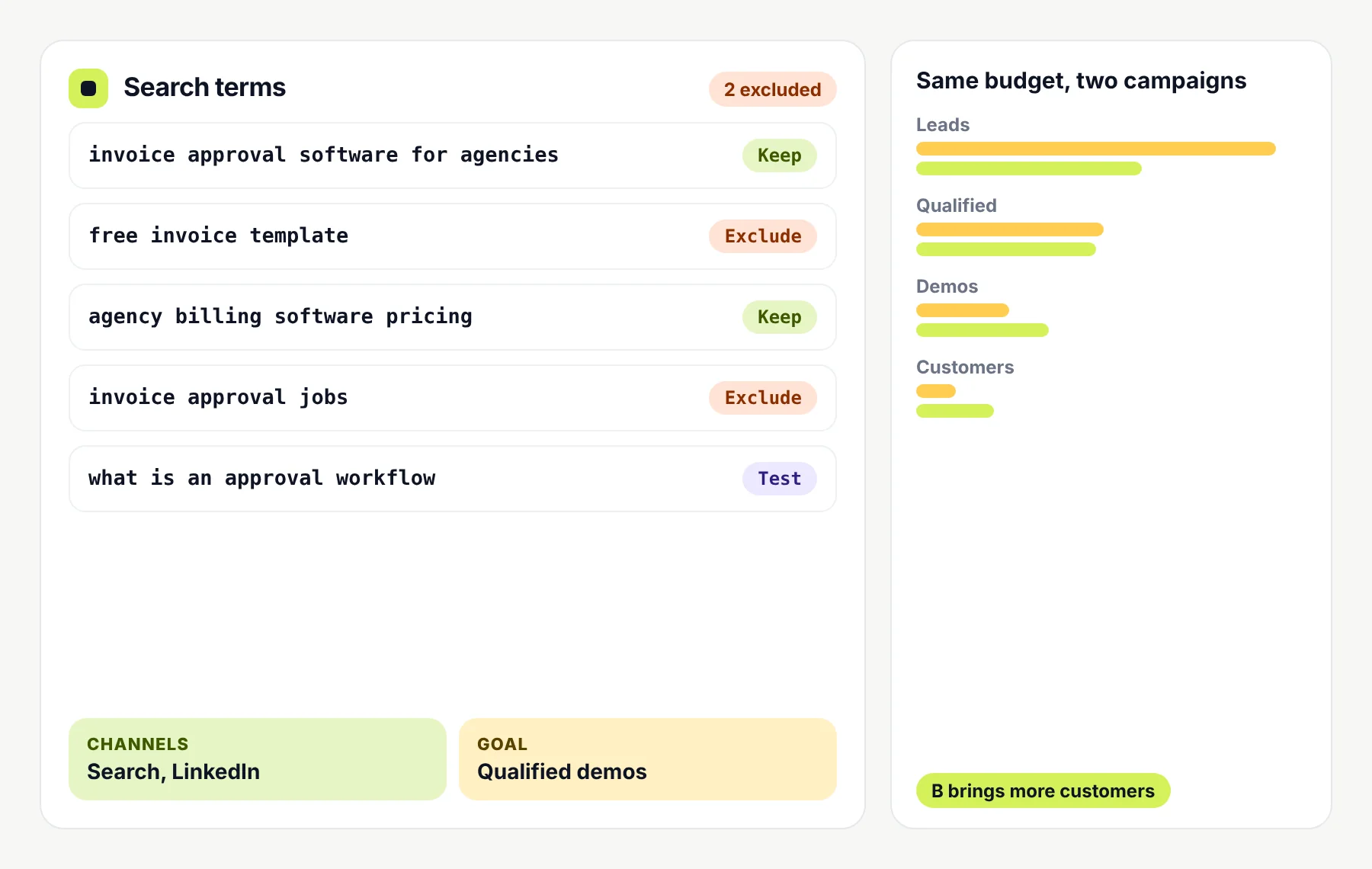
Search volume isn’t the same as value. We group keywords by what the searcher is trying to do, give each group its own ads and landing page, and keep separate budgets so expensive searches don’t starve the ones that convert.
yourproduct login, yourproduct pricingReachesProtect your name and send people to the right page
WatchLower cost, but not new demand
invoice approval softwareReachesBuyers comparing tools in your category
WatchCompetitive and often expensive
how to stop late invoice approvalsReachesPeople who feel the pain but may not know a tool exists
WatchLower intent, needs a helpful page
multi level invoice approvalReachesBuyers who know what they need
WatchSmaller volume, often high intent
approval software for agenciesReachesA specific audience with a specific job
WatchNeeds a matching landing page
invoice approvals for accounting softwareReachesBuyers committed to a tool you connect with
WatchOnly works if the integration is real
Tool B alternativesReachesBuyers unhappy with a rival
WatchCosts, policy and fair comparisons need care
Each group gets its own ads, landing page and budget, plus a shared list of negative keywords.
Campaign setup
Structure decides where budget goes. Separating brand, category, use case and competitor searches lets us see which ones bring qualified buyers, and move money accordingly.
Campaign types
Google Ads offers several campaign types. Not every SaaS business needs them all. We add a type only when your goals, creative and conversion data can support it.
Text ads on Google search results for people actively looking.
Image and video ads on YouTube, Discover, Gmail and the Display Network.
Video ads on YouTube and partner sites.
Image ads across websites and apps.
One goal based campaign across all Google Ads channels.
Bidding and automation
Smart Bidding sets bids for each auction using signals such as the search, device, location and time. It needs conversion tracking, and Google recommends judging it over periods with enough conversions. Changing goals or budgets often resets its learning period.
We don’t pick a bidding strategy by default. We look at your goal, how many conversions you get, how reliable they are and your budget, then choose and review it over time.
Primary actions feed bidding. Secondary actions are tracked for reporting only. A demo form can be watched while qualified leads drive bids.
Deep funnel events like closed deals may be too rare to bid on alone. Often an earlier qualified stage works better as the main goal.
Maximise conversions, target cost per action, maximise conversion value or target return on ad spend, each suits different data and goals.
Avoid frequent changes during learning, then check results against CRM outcomes, not just platform numbers.
What’s included
An audit, a strategy project and ongoing management are separate engagements. Your written scope says which parts you get.
Structure, keywords, search terms, negatives, ads, bidding, budgets, conversion actions and lead quality data.
You getPrioritised fixesProduct and market discovery, customer profile, competitor ads, keyword map, campaign plan and test priorities.
You getCampaign and measurement planCategory, problem, feature, use case, integration, competitor and brand terms grouped by intent.
You getKeyword map and negative listsCampaigns, ad groups, targeting, budgets, bidding and conversion actions configured and checked.
You getCampaigns ready to launchSearch term review, keyword and negative changes, ad tests, bid and budget changes and segment analysis.
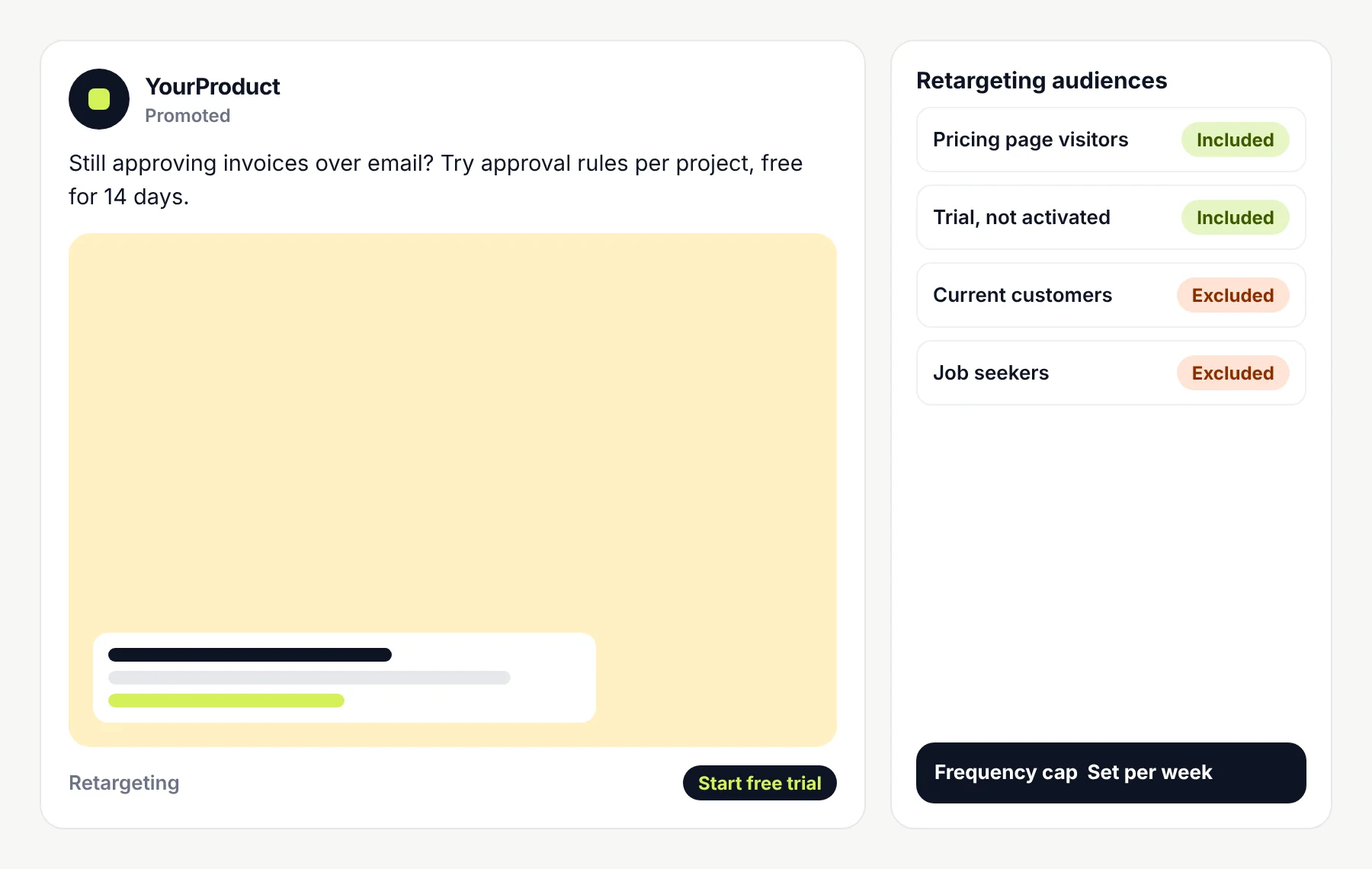
You getA change log you can followDemand Gen, YouTube, Display, Performance Max or remarketing when your goals and data support them.
You getAdded with a clear reasonResponsive search ads with up to 15 headlines and 4 descriptions, matched to intent and checked against policy.
You getAds written and testedMessage match, clarity, form friction, demo and trial flows, mobile use, speed and tracking.
You getPage by page recommendationsConversion actions defined, tags checked, analytics linked and offline conversions or enhanced conversions for leads set up where supported.
You getTracking plan and documented gapsSpend, clicks, conversions and costs, plus qualified leads, demos, trials and pipeline where data allows.
You getReports that separate platform numbers from business resultsTracking and CRM
In SaaS, the click and the customer can be months apart. Google Ads can import offline conversions, and enhanced conversions for leads uses hashed first party data from your CRM to report which ad leads became qualified or closed. We set this up where your systems support it.
Agree which events matter, from demo requests and trials to qualified leads and closed deals.
Make sure forms, sign ups and checkouts fire once, with the right values.
Import lead stages and deal values back into Google Ads where supported.
Follow consent choices, privacy laws and Google’s policies, and note what that leaves unmeasured.
No setup sees every journey. We say what’s missing rather than hide it.
How it works
One project lead throughout. Each step shows what we’ll need from you.
Product, customers, sales model and goals.
From youProduct access and sales insightCampaigns, conversion actions and measurement quality.
From youGoogle Ads, analytics and tag accessKeywords, competitors and suitable campaign types.
From youAgreement on goals and budgetCampaigns, targeting, ads, budgets and tracking configured.
From youAd copy approvalSettings, assets, landing pages and conversions validated.
From youLanding pages liveSearch terms, bids, budgets, ads and tests.
From youLead quality feedback from salesResults, limits, tests and next steps.
From youTime to review togetherFees and responsibilities
You get a written scope, timeline and price before work starts. Scope depends on campaign complexity, budget, markets, tracking needs and how much implementation is involved.
A fixed cost per click, a number of leads, a lower CAC or profitable campaigns from the start. Results depend on competition, your product, pages, tracking and sales follow up. What we commit to is careful management, clear reasoning and honest reporting.
Our work
Paid campaigns only work when the pages and tracking behind them do. These projects show the conversion side of our work. Client names are withheld, and we’re happy to talk through the details on a call.
 Case 01
We ran Google Ads alongside SEO, AEO and GEO, sending paid traffic to fast, focused pages built to turn visitors into quiz takers and learners.
+38%
quiz completion
1.8s
average page load
~20,000
organic visits a month, from a new domain
 Case 02
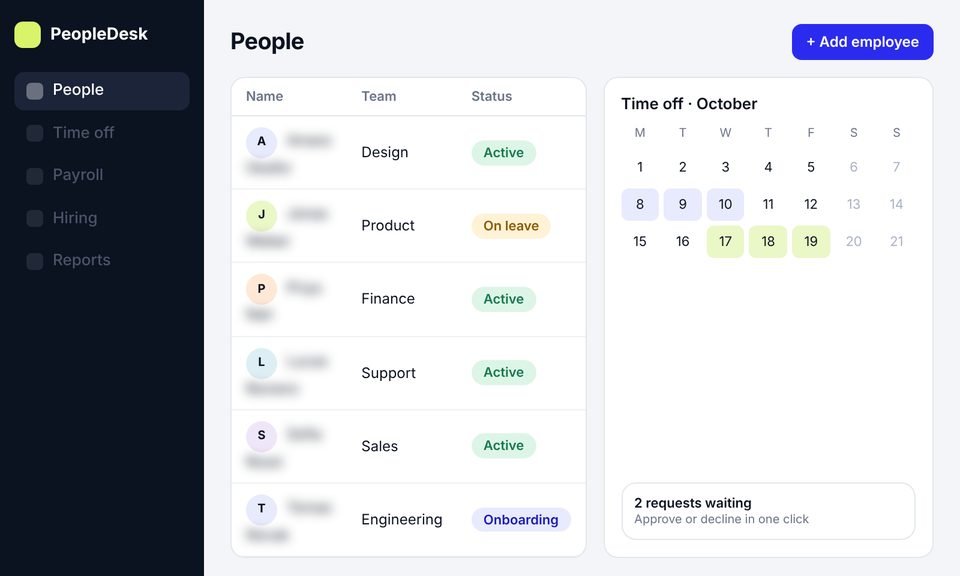
From idea to launch, we built the product, the website and the trial sign up flow that paid and organic visitors land on, so every visit had a clear next step.
+45%
trial signups
40%
less HR admin time
~11,000
organic visits a month, from search
Testimonials
Client names are withheld. Each quote comes from a real client and is shown with their company type only.
[Paste the client's own words here. One or two plain sentences.]
[Paste the client's own words here. One or two plain sentences.]
Services
This page covers Google Ads. These services cover paid acquisition as a whole and the other channels SaaS buyers use.
Paid acquisition across search and social, planned around demos, trials and pipeline rather than clicks.
Reach buyers by job function, seniority, industry and company size when they’re defined by role rather than by what they search.
Retargeting and prospecting on social feeds, best suited to products with broad audiences or self serve sign ups.
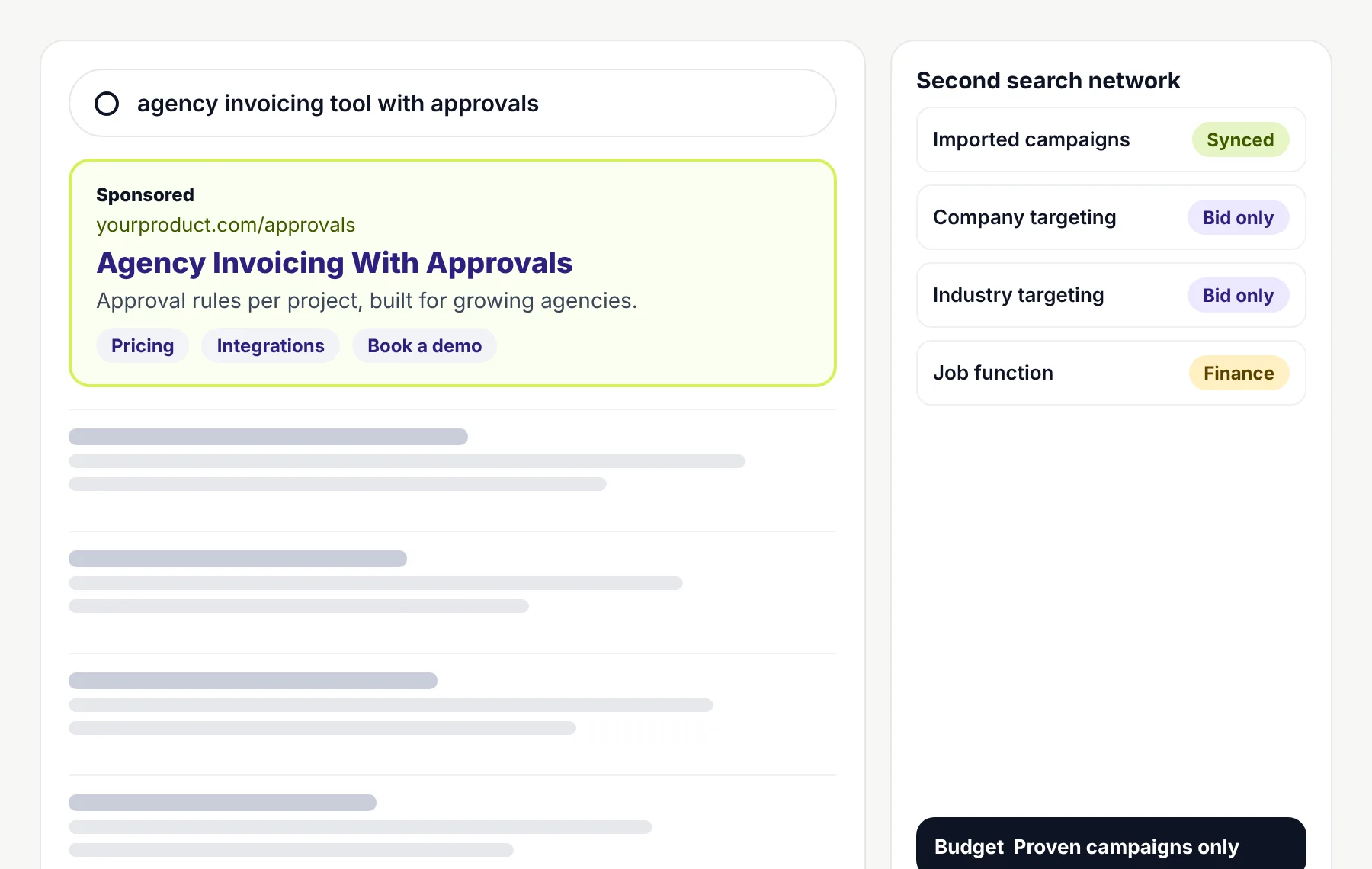
Microsoft Advertising campaigns that extend proven search campaigns, using LinkedIn profile data to adjust bids by company, industry and job function.
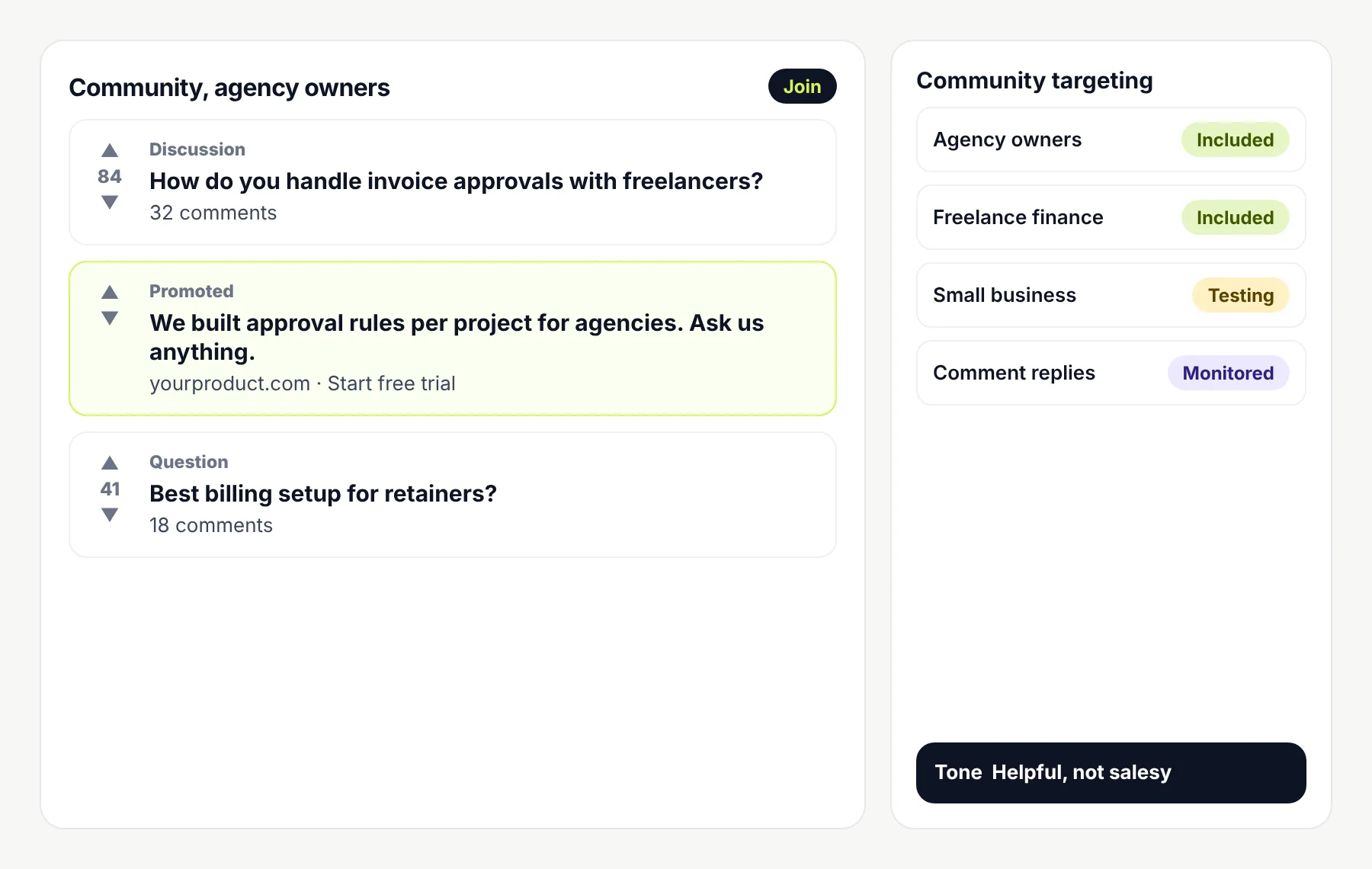
Ads in communities where your buyers already discuss their problems, for products with an engaged, specific audience.
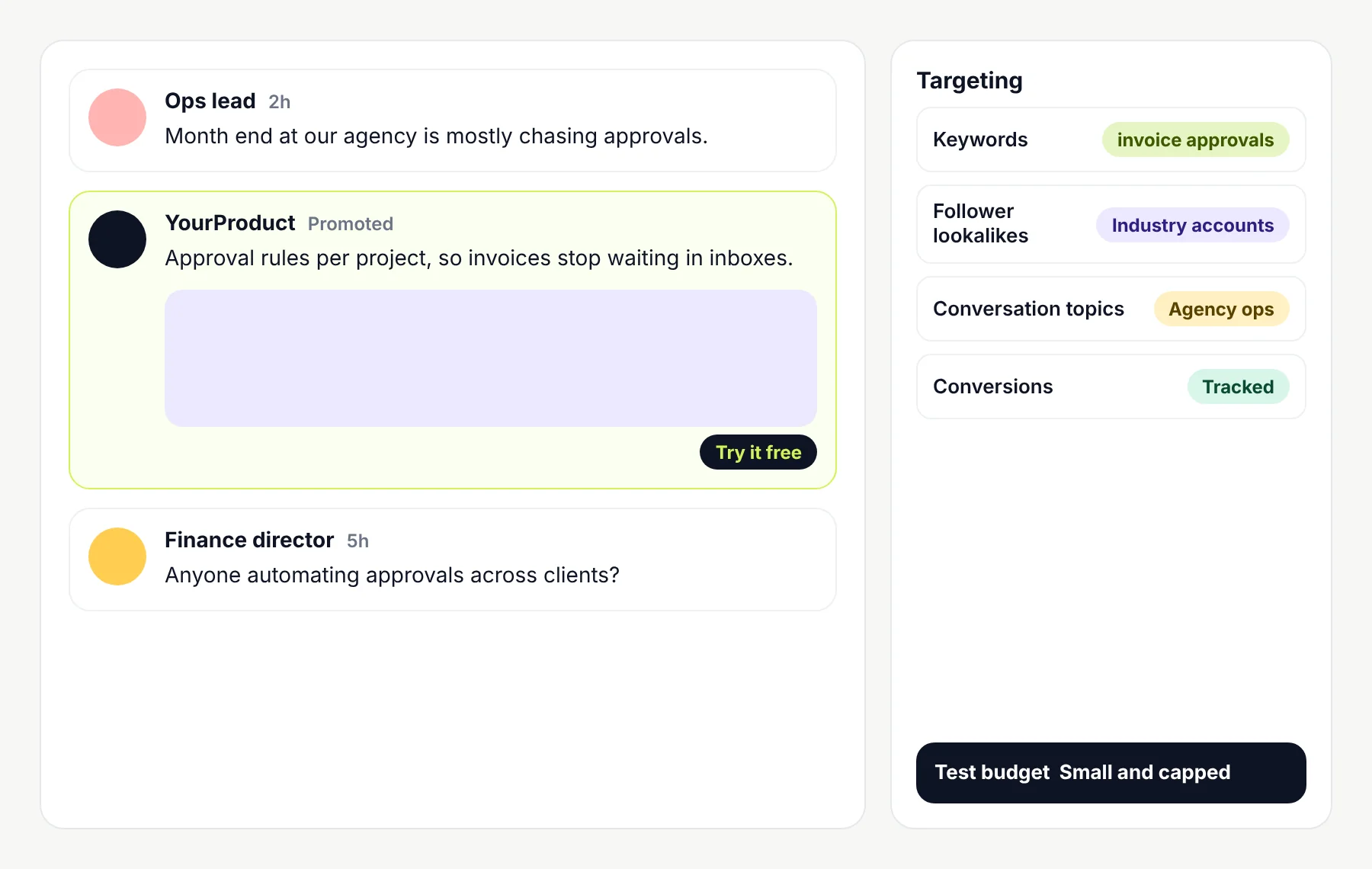
Promoted posts around the keywords, topics and conversations your buyers follow, usually run as a small, measured test first.
FAQ
An audit, strategy, keyword research, campaign setup or restructuring, search term and bid management, ad copy, landing page recommendations, conversion tracking and reporting. Your scope sets out which parts apply.
The result that matters usually happens after the click, as a qualified demo, an activated trial or a paid plan. Campaigns are planned around that result and, where possible, CRM data is fed back so bidding learns from it.
Search is usually the starting point when people already search for your category or problem. Demand Gen, YouTube, Display and Performance Max can help in some situations, but only when goals, creative and conversion data support them.
Sometimes. Competitor searches can bring buyers unhappy with a rival, but they can be expensive, ad copy must follow Google’s policies, and the landing page should compare fairly. We test them deliberately rather than by default.
It depends on your goal, conversion volume, data quality and budget. Smart Bidding needs reliable conversion tracking. We choose a strategy for each campaign and review it once it has enough data.
Where your CRM and setup support it, we import offline conversions or use enhanced conversions for leads, so qualified leads and closed deals are reported in Google Ads. Some tracking needs developer time, which we scope separately.
No. Click costs and results depend on competition, budget, your product, pages and sales follow up. We don’t promise lead numbers, costs or profitability.
No. Ad spend is paid to Google from an account you own. Our fee covers the management work in your written scope.
Yes. We usually start with an audit, then agree what to keep, fix or rebuild before changing anything major.
Yes, ad copy is part of management, written to match search intent and checked against Google Ads policies. You approve copy before it goes live.
Search term quality and tracking accuracy show early. Qualified pipeline and customer results take longer, especially with long sales cycles. We don’t promise fixed timelines.
Access to Google Ads, analytics and tag manager, product information, approval of ad copy, and CRM access or reports if we’re measuring qualified leads.
Book a call and tell us about your product, how you sell and what your Google Ads account does today. We’ll talk through where we’d start, what to measure and what kind of engagement makes sense.
Prefer email? Write to hello@saasassistant.com