Bing Ads and Microsoft Advertising

Same platform, new name, wider reach

Bing Ads became Microsoft Advertising in 2019. Campaigns are still managed in one account, but ads can show beyond Bing. For SaaS, search campaigns usually do most of the work, and the question is whether your buyers search there in enough numbers to matter.

Search results

Bing, plus partner search sites such as Yahoo, AOL and DuckDuckGo

Copilot

Copilot Search and answers, through AI Max features where you opt in

Audience sites

MSN, Microsoft Edge, Outlook.com and publisher partners, for audience campaigns

Questions we answer before recommending it

  1. 1Do people search for your category, problem or competitors at all?
  2. 2Do your buyers use Microsoft search, for example on work computers?
  3. 3Is there clear buying intent in those searches?
  4. 4Do you already have search campaigns with proven keywords?
  5. 5Is there enough budget and conversion data to judge a test?
  6. 6Will it add to your paid mix rather than split a small budget?

Limits to plan for

  • Smaller search volume, so niche categories may get few clicks
  • Slow learning when conversions are rare
  • Results depend heavily on keyword and page relevance
  • Long sales cycles make results slow to judge
  • Click costs vary by market and competition
  • More traffic doesn’t mean better leads

We don’t assume Microsoft clicks are cheaper or better than Google clicks. That’s something to test with the same goals, conversion definitions and markets.

Who it’s for

SaaS teams that already know search works

Microsoft Advertising tends to make most sense once search demand for your product is proven. These are the teams we usually help.

Sales led B2B

Qualified demos from decision makers

Enterprise software

Fewer, larger deals over long cycles

Industry or regional SaaS

Specific markets and verticals

Product led SaaS

Trials and sign ups that activate

Teams already on Google Ads

A second search channel built from proven campaigns

Accounts that need fixing

Existing Microsoft campaigns that underperform

What usually goes wrong

The Microsoft Ads problems SaaS teams bring us

Most underperforming accounts weren’t built badly, they just weren’t managed as their own channel.

Imported and forgotten

Campaigns copied from Google once, then never checked or adapted.

Search terms nobody reviews

Broad matching and partner sites send clicks that were never relevant.

Partner traffic that doesn’t convert

Some sites in the network bring low quality clicks unless they’re monitored.

Bidding on thin data

Automated bidding without enough reliable conversions to learn from.

Leads that look good in the platform

Form fills counted as wins without checking if they qualified.

Tracking that stops at the form

No link between clicks and what happened later in the CRM.

Strategy

A test first, a channel if it earns it

We plan Microsoft Advertising around your product, customer profile, markets, sales model, customer value and budget. For most SaaS teams it starts as a structured test with a clear question, not a copy of everything you run elsewhere.

  1. 1

    Start from proven themes

    Use keywords and messages that already convert elsewhere, or your clearest commercial searches if you’re new to paid search.

  2. 2

    Match the setup to how you sell

    Demo goals for sales led, trial and activation goals for product led, markets and languages that match your customers.

  3. 3

    Measure like for like

    The same conversion definitions, CRM stages and date ranges you use for other channels.

  4. 4

    Decide on evidence

    Expand, adjust or pause based on qualified results, not clicks or platform totals.

Keyword research and intent

Group keywords by what the searcher wants

Each group gets its own ads, landing page and budget so you can see which kinds of searches bring qualified prospects. We don’t invent search volumes or costs. We use Microsoft’s keyword data and your account history where available, then let real search terms decide.

GroupExample searchReachesWatch
Brandyourproduct pricingProtect your name and route to the right pageReports separately, it isn’t new demand
Categoryinvoice approval softwareBuyers comparing solutionsCompetitive, needs a strong page
Problemhow to speed up invoice approvalsPeople who know the pain, not the productLower intent, often better with a guide
Use caseinvoice approvals for agenciesA specific job your product doesSmaller volume, often higher relevance
Industryaccounting software for law firmsVertical buyersPage should speak to that industry
Competitortool b alternativeBuyers unhappy with a rivalPolicy rules on trademarks, fair comparisons only
Ready to actinvoice approval software demoBuyers ready for a demo or trialUsually the first to fund


Match types

Exact[invoice approval software]Searches with the same meaning
Phrase"invoice approval software"Searches that include the meaning
Broadinvoice approval softwareRelated searches, which need close review

Microsoft specifics

  • Negative keywords work as phrase or exact only. There’s no broad negative, so lists are built more carefully than in Google Ads.
  • AI Max can widen matching to searches outside your keyword list. It’s opt in, and we only turn it on with search term reporting and clear exclusions.
  • Not every commercial keyword brings qualified leads. Search terms and CRM results decide what stays.

Campaign setup and search ads

Built for Microsoft, not just copied to it

Importing from Google Ads saves time, but each import needs a manual review and some changes to settings, budgets and copy. We write and test ad copy as part of the service, and you approve it before anything goes live.

Every ad should make clear

  1. 1The problem you solve, in the searcher’s words
  2. 2Who it’s for
  3. 3What makes it different, without claims you can’t back
  4. 4A clear next step such as a trial or demo

Structure

Campaigns by intent and market, ad groups by theme, each with its own landing page.

Responsive search ads

Up to 15 headlines and 4 descriptions per ad. Microsoft combines them for each search.

Ad assets

Sitelinks, callouts and other assets that add context and links to key pages.

Location and language

Set to the markets you actually sell in, with language matched to your pages.

Google Ads import

Proven campaigns copied in, then checked by hand because not every setting transfers.

Launch checks

Tracking, budgets, bids, policies, links and audiences reviewed before going live.

Search terms and negative keywords

The searches you paid for, reviewed by a person

Keywords decide what you could match. Search terms show what you actually paid for. Regular reviews find irrelevant clicks, new high intent searches and partner traffic worth limiting. Negatives are added carefully so real prospects aren’t blocked, and they reduce waste rather than remove it.

invoice approval software for agenciesKeepMatches a core use case
free invoice template wordExcludeLooking for a free file, not software
invoice approval workflow examplesTestResearch intent, try a guide
accounts payable clerk jobsExcludeJob seekers
tool b alternative for agenciesKeepComparison intent, fair copy only

Brand kept apart

Brand and non brand results are reported separately, so brand searches don’t flatter the numbers.

Match types compared

We check which match types bring qualified results, not just conversions.

Lead quality by theme

Keyword groups are compared on qualified leads where CRM data allows.

LinkedIn profile targeting and audiences

A B2B signal search doesn’t usually have

Microsoft Advertising can use LinkedIn profile data in search campaigns. It raises or lowers bids for people by company, industry and job function. It doesn’t narrow who sees your ads, so it sharpens spend rather than limiting reach. Availability varies by market.

Company

Up to 1,000 companies per campaign or ad group, added in the platform

Industry

Such as finance, software or legal

Job function

Such as sales, accounting or purchasing

Bid only

Think of it as “spend more on these people”, not “only show to these people”.

Remarketing

People who visited your site, through the UET tag. Lists need at least 1,000 users before ads serve.

Customer lists

Your own contacts, where eligible and permitted under your privacy terms.

In market audiences

People Microsoft identifies as researching a category.

Audience and Performance Max campaigns

Placements beyond search. Used only when goals, creative and data support it.

Bidding and budgets

Automation needs good data to work

Microsoft has been moving toward automated bidding. Standalone target CPA and ROAS strategies were retired for new campaigns in 2025, with targets now set inside Maximize conversions or value. From October 2026, new standard campaigns can no longer set a maximum CPC. We check the current options when we set up and pick a strategy for each campaign.

What decides the strategy

  • Conversion tracking you trust
  • Enough conversions to learn from
  • Search demand and competition
  • Budget limits
  • What a customer is worth
  • Lead quality after the click
Maximize clicks

Traffic when tracking isn’t ready. Rarely the long term choice.

Maximize conversions

More conversions within budget, with an optional cost per conversion target.

Maximize conversion value

When conversions carry values, such as plan or deal size.

Enhanced CPC

Your bids, adjusted up or down by Microsoft for each auction.

Target impression share

Visibility goals, mainly for brand terms.

No bidding strategy guarantees lower costs. Optimising for qualified leads or trials beats optimising for clicks, but only when those events are tracked reliably.

Landing pages

The click is only half the job

Paid search sends people with a specific question. If the page doesn’t answer it, the click is wasted. We review your pages and sign up flows against each keyword group and give prioritised recommendations.

Recommendations are included. Page design, development and conversion testing can be quoted separately by our website team.

1

Message match

The page answers the search and repeats the ad’s promise

2

Clear value

What it is, who it’s for and why it’s different, above the fold

3

Form friction

Only the fields sales really needs

4

Demo and trial flow

Booking and sign up steps checked end to end

5

Mobile and speed

Fast, usable pages on every device

6

Test ideas

Headline, offer or form tests worth running

Conversion tracking

From click to closed deal, where possible

Good tracking decides whether bidding learns from the right things and whether you can judge the channel. Reliability depends on implementation, consent settings and clear conversion definitions. We review and plan it, and coordinate with your developers or CRM admin on setup.

1

UET tag

One Universal Event Tracking tag on every page records visits and events. It powers conversion goals and remarketing.

2

Conversion goals

Demo requests, trials and sign ups defined once, with clear names and values.

3

Offline conversions

Qualified leads and closed deals uploaded from your CRM using the Microsoft click ID.

4

Enhanced conversions

Hashed email or phone details that help match conversions when cookies fall short.

5

UTMs and analytics

Consistent tags so analytics reports Microsoft traffic correctly.

Four sources, reported separately

Microsoft reportsConversions the platform attributes to ads

Website analyticsSessions and goals from tagged Microsoft traffic

CRMWhich leads qualified and became opportunities

RevenueCustomers and value, the hardest to tie to one click

No setup attributes every customer to a single ad. We show where the numbers come from and where the gaps are.

Judging performance

Cheaper leads aren’t always better leads

A campaign with more clicks or a lower cost per lead can still lose. We agree up front what each campaign is judged on and report against it, alongside the usual platform numbers.

Campaign A

Clicks
More
Cost per lead
Lower
Qualified leads
Fewer
Opportunities
Fewer
Looks better in the platform

Campaign B

Clicks
Fewer
Cost per lead
Higher
Qualified leads
More
Opportunities
More
Better campaign
MeasureWhat it tells you
Spend, impressions, clicks, click through rateDelivery and ad relevance
Search term relevanceWhether you’re paying for the right searches
Conversion rate and cost per conversionPage and offer performance
Qualified lead rate and cost per qualified leadLead quality, from the CRM
Demos, trials and sign upsThe conversion your model depends on
Cost per opportunity, acquisition cost, pipelineBusiness impact, where data is reliable

What’s included

Microsoft Advertising management, part by part

An audit is a one off review. Management is the ongoing work after it. Your written scope says which parts apply. We don’t handle account recovery or policy appeals, and page builds or developer tracking work are scoped separately.

  1. 01

    PPC strategy

    Channel role, goals, markets, keyword priorities, budget and test plan.

  2. 02

    Account audit

    A one off review of structure, settings, tracking, budgets, bids, targeting and policies, with prioritised fixes.

  3. 03

    Keyword research

    Intent groups, match types and negative lists, from Microsoft data and your account history.

  4. 04

    Campaign build or import

    New campaigns, or Google Ads imports reviewed and adapted.

  5. 05

    Search ad copy

    Responsive search ads and assets, written and tested, approved by you.

  6. 06

    Search term management

    Regular query reviews, negatives, new keywords and partner traffic checks.

  7. 07

    LinkedIn profile and audiences

    Bid adjustments by company, industry and job function, plus remarketing where eligible.

  8. 08

    Bidding and budgets

    Strategy per campaign, budget allocation, device and location reviews.

  9. 09

    Landing page review

    Message match, friction, mobile and speed recommendations.

  10. 10

    Tracking review

    UET, conversion goals, offline imports and UTMs checked and planned.

  11. 11

    Reporting

    Results against agreed measures, limits and next actions.

How it works

Seven steps, one project lead

No fixed launch dates or results after a set number of days. A clear process, and what we need from you at each step.

  1. 1

    Discovery and business review

    Product, market, goals, sales process and current setup.

    From youProduct walkthrough, sales insight
  2. 2

    Account and tracking audit

    Campaigns, settings, conversion goals and available data.

    From youAccount and analytics access
  3. 3

    Keyword and campaign strategy

    Intent groups, exclusions and campaign priorities.

    From youAgreement on goals and markets
  4. 4

    Campaign preparation

    Structure, ad copy, budgets, bidding, page notes and tracking plan.

    From youCopy approval, developer time if needed
  5. 5

    Launch and quality checks

    Settings, tracking, targeting, ads and policies verified.

    From youPages and forms ready
  6. 6

    Monitor and optimise

    Search terms, performance, lead quality and budgets.

    From youFeedback on lead quality
  7. 7

    Report and plan

    Results, limits and evidence based next steps.

    From youTime to review together

Budget and pricing

What you pay for, line by line

We don’t publish set packages or a minimum spend. You get a written scope, timeline and price before work starts. To prepare one, we need your goals, markets, current search spend and results, tracking setup and how leads are qualified.

Ad spend

Paid to Microsoft from an account you own. Never part of our fee.

Strategy and management

Our fee for the work in your written scope.

Ad copywriting

Search ad copy and assets are included in management.

Landing pages

Recommendations included. Design or development quoted separately.

Tracking and CRM

Reviews included. Developer or integration work may need separate time.

Anything else

Extra markets, campaign types or services outside the agreed scope.

What shapes the budget

  • Search demand and competition
  • Target markets and languages
  • Your price and business model
  • Conversion rate and sales cycle
  • Conversion data available
  • Testing needs and customer value

Why SaaS Assistant

A search partner that speaks SaaS

No borrowed logos or inflated numbers. Here’s how we work.

SaaS only

Demos, trials, activation and pipeline are the default language.

One project lead

One person owns your account and your questions.

Written scope first

Scope, timeline and price agreed before work starts.

You own everything

Accounts, tags, audiences and ad copy stay yours.

Web team in house

When pages or tracking need building, our website and development teams can quote.

Services

Other SaaS PPC services

This page covers Microsoft Advertising. These services cover paid acquisition as a whole and the other channels SaaS buyers use.

01

SaaS PPC Services

Paid acquisition across search and social, planned around demos, trials and pipeline rather than clicks.

  • Channels chosen by evidence
  • Search terms and budgets managed closely
  • Reporting on qualified pipeline
See More →
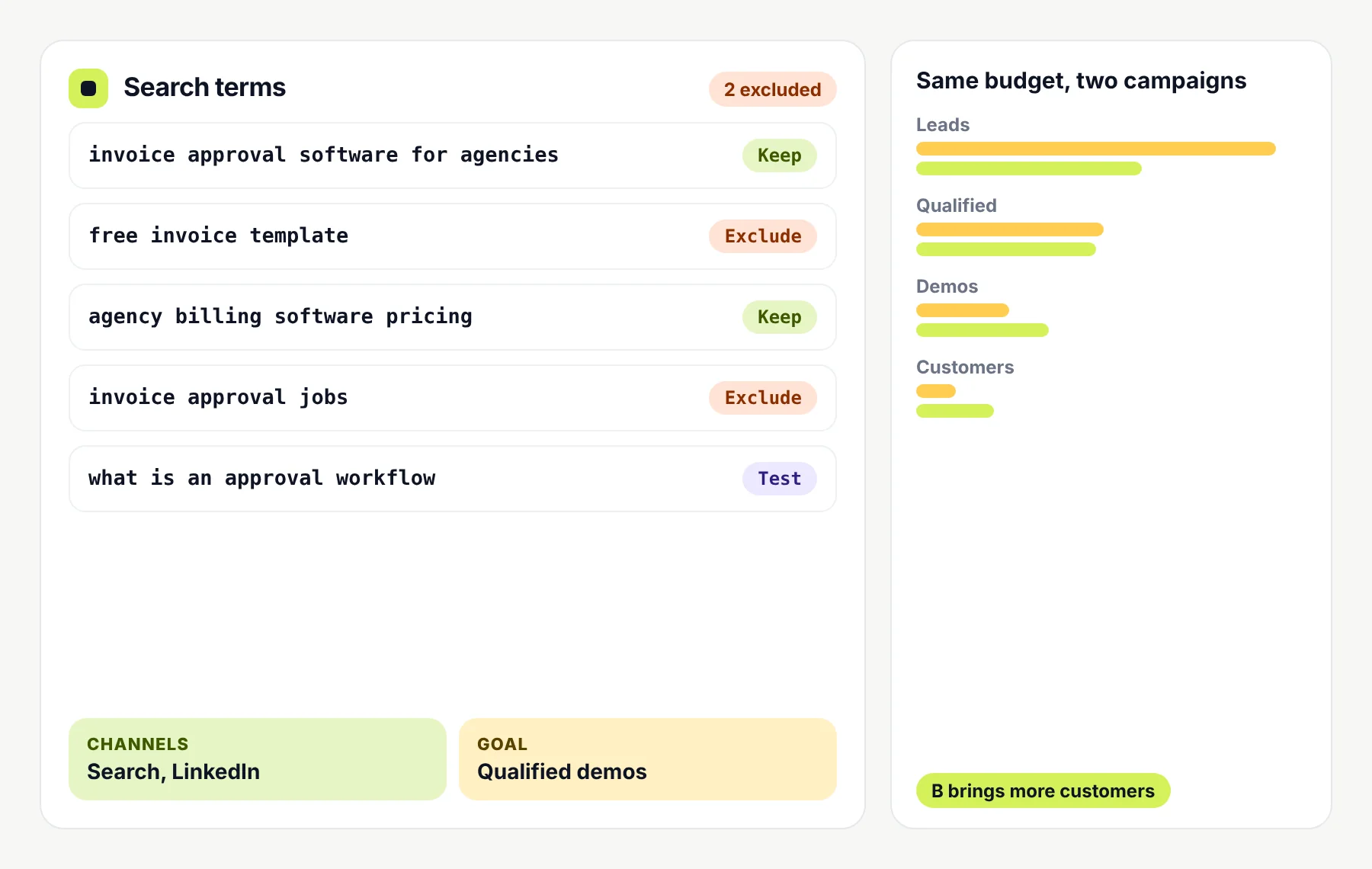
A search terms list sorted into keep, exclude and test, next to a comparison of two campaigns where the one with fewer leads brings more customers SaaS PPC
02

Google Ads for SaaS

Search campaigns that reach people already looking for software like yours, built around buying intent and qualified demos or trials.

  • Keywords sorted by buying intent
  • Search terms and negatives reviewed
  • Conversions tied to your CRM where supported
See More →
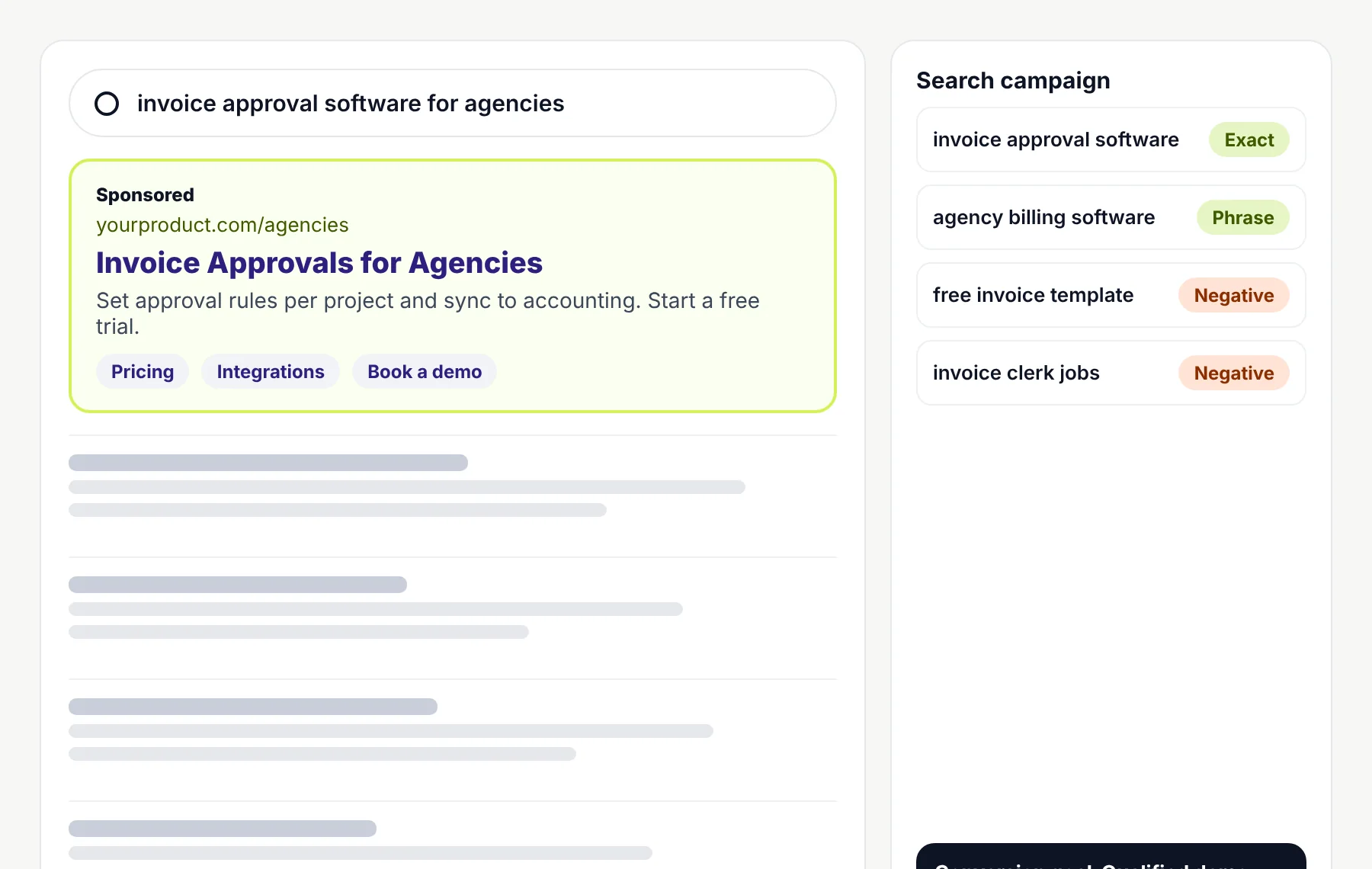
A search results page with a sponsored ad for invoice approval software, next to a campaign panel listing exact and phrase match keywords and negative keywords Google Ads
03

LinkedIn Ads for SaaS

Reach buyers by job function, seniority, industry and company size when they’re defined by role rather than by what they search.

  • Audiences built from your customer profile
  • Offers that suit lower intent clicks
  • Lead quality checked with your sales team
See More →
A promoted post in a professional feed inviting finance leads to book a demo, next to an audience panel for job function, seniority, company size and industry LinkedIn Ads
04

Meta Ads for SaaS

Retargeting and prospecting on social feeds, best suited to products with broad audiences or self serve sign ups.

  • Retargeting visitors who didn’t convert
  • Creative tested for lower priced plans
  • Customers and poor fits excluded
See More →
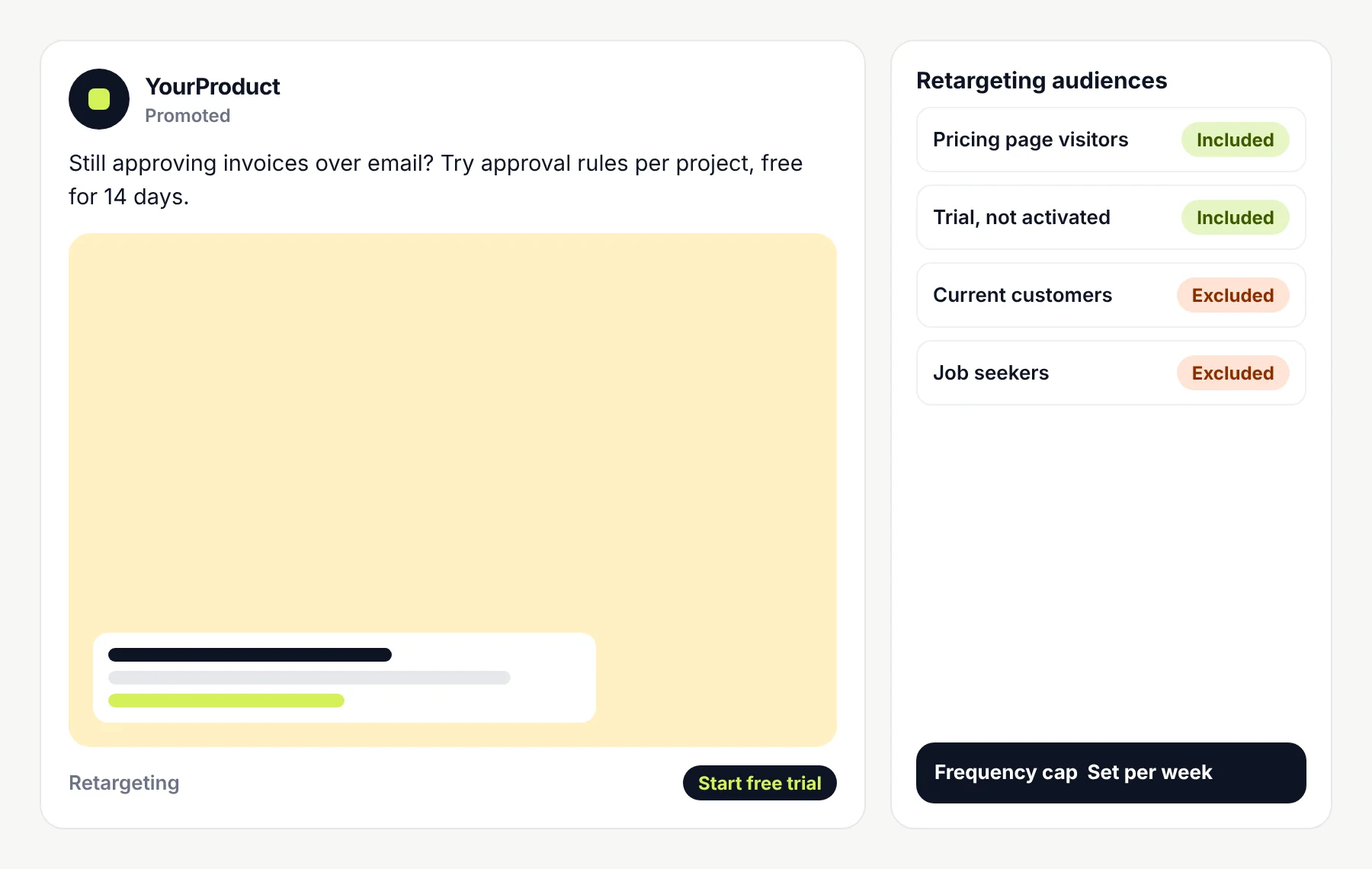
A sponsored social post offering a free trial, next to a retargeting panel that includes pricing page visitors and inactive trials and excludes customers Meta Ads
05

Reddit Ads for SaaS

Ads in communities where your buyers already discuss their problems, for products with an engaged, specific audience.

  • Communities chosen for relevance
  • Copy written to fit the conversation
  • Comments monitored and answered
See More →
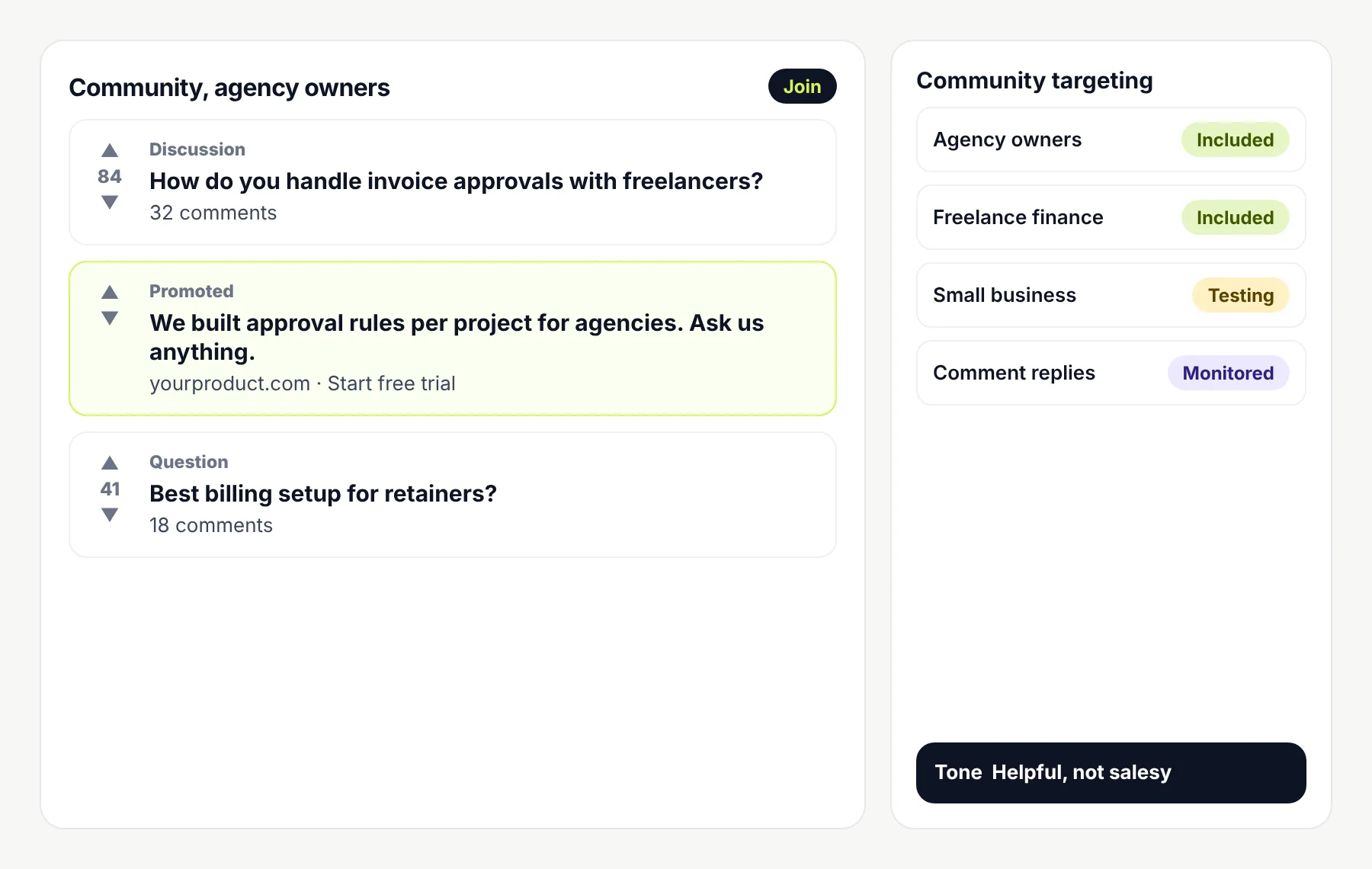
A community thread list for agency owners with a promoted post inviting questions, next to a community targeting panel Reddit Ads
06

X Ads for B2B SaaS

Promoted posts around the keywords, topics and conversations your buyers follow, usually run as a small, measured test first.

  • Keyword and topic targeting
  • Small, capped tests before scaling
  • Conversions tracked from the start
See More →
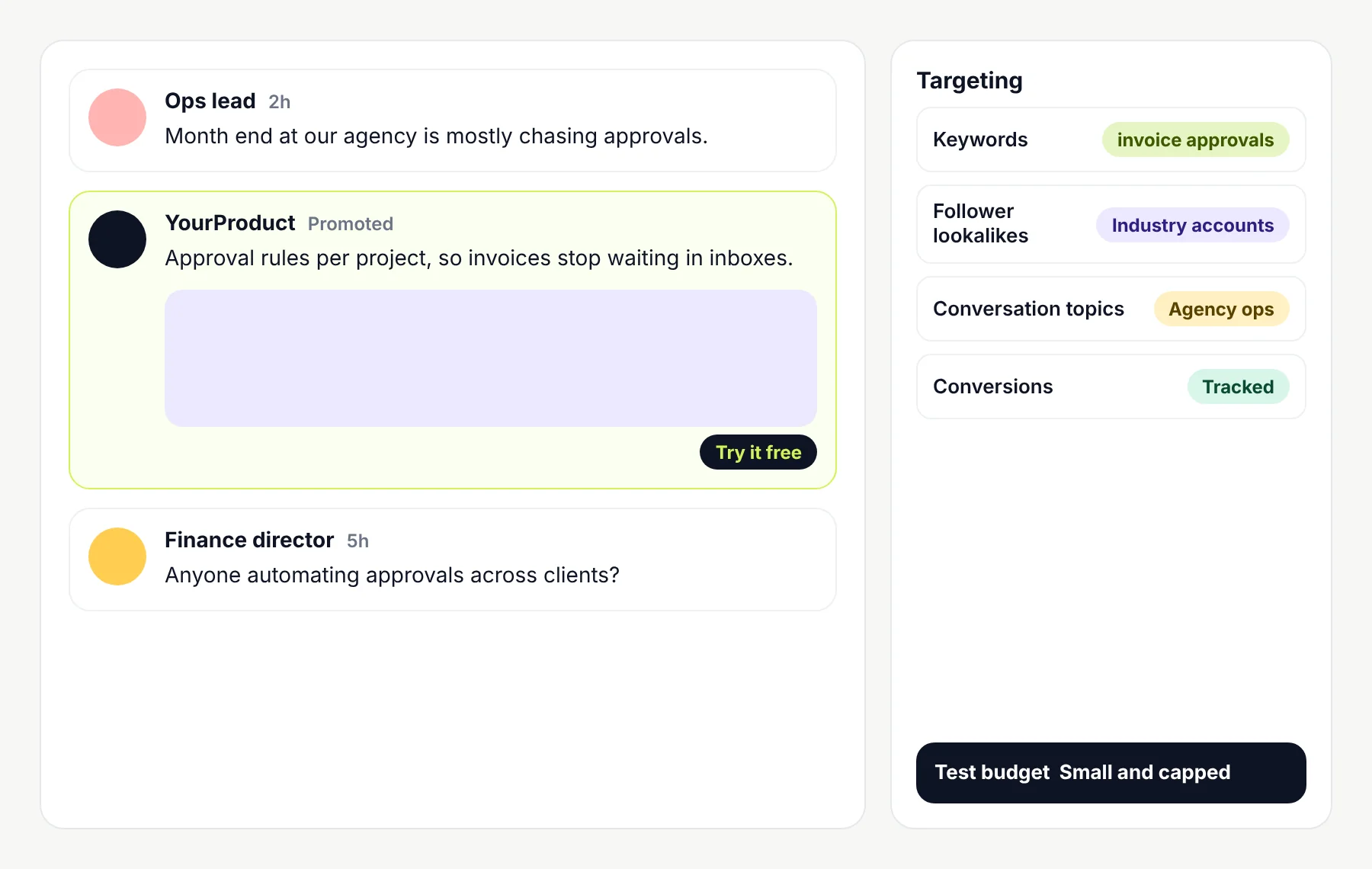
A social feed with a promoted post about invoice approvals between two posts from agency staff, next to a targeting panel for keywords, lookalikes and topics X Ads

FAQ

Questions about Bing Ads management

Still have a question? Book a free call and ask us directly.

Strategy, an account audit, keyword research, campaign build or Google Ads import, ad copy, search term and negative keyword management, LinkedIn profile bid adjustments, bidding and budgets, landing page reviews, tracking reviews and reporting. Your written scope sets out which parts apply.

Let’s find out if Microsoft can earn its place

Book a call and tell us about your product, your markets and what your search campaigns do today. We’ll talk through whether Microsoft Advertising fits, what to test and what kind of engagement makes sense.

Useful to bring to the call

  1. 1The conversion that matters most to you.
  2. 2Your current search ad spend and results, if any.
  3. 3How leads are tracked in your CRM.